
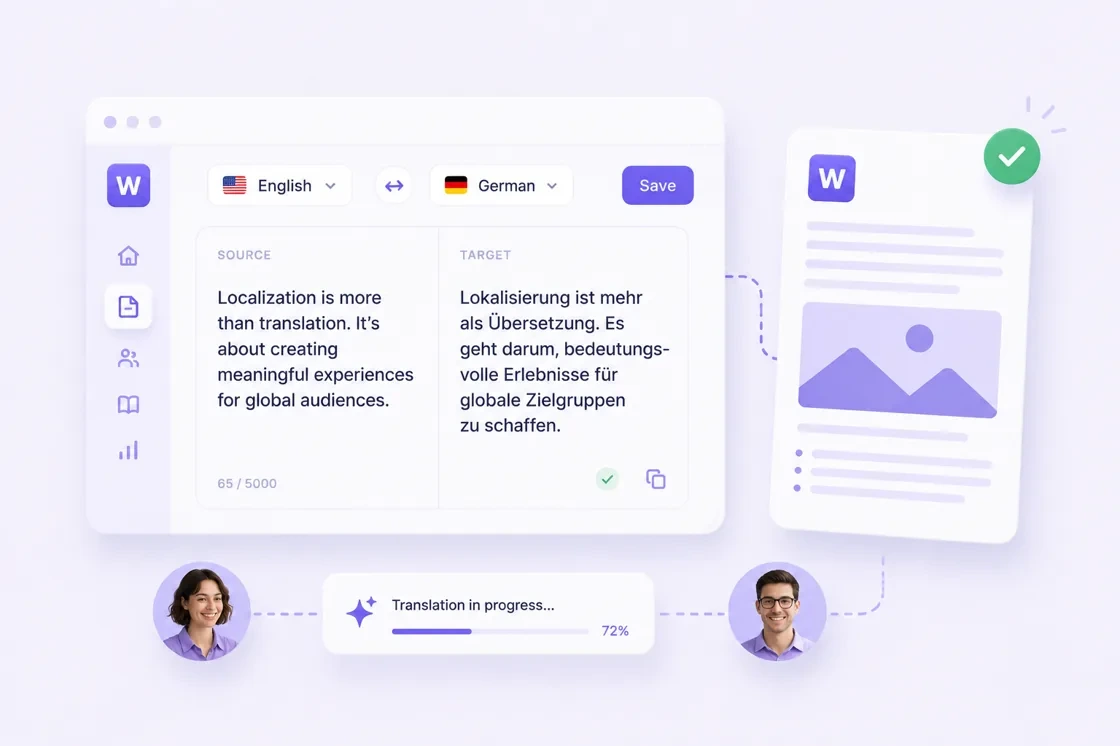
Choosing the right Computer Assisted Translation (CAT) tool is one of the most significant investments a language service provider (LSP) or a freelance translator can make. The market is saturated with options, ranging from legacy desktop software to modern, cloud-based ecosystems.
This guide breaks down the essential factors you should consider to ensure your choice aligns with your specific workflow and long-term goals.
1. Cloud-Based vs. Desktop-Based
The first decision is the environment.
- Cloud-based tools (SaaS) - These offer real-time collaboration, automatic backups, and accessibility from any device. They are ideal for teams where multiple linguists need to work on the same project simultaneously.
- Desktop-based tools - These typically offer more robust features and "offline" capability. They are preferred by power users who handle massive files and want absolute control over their local environment without depending on an internet connection.
The Hybrid Trend: Many modern tools now offer both, allowing you to work on a desktop app that syncs instantly to a cloud project.
2. Compatibility and File Support
A CAT tool is useless if it cannot handle the file formats your clients send. While standard formats like .docx, .xliff, and .html are universal, you should check for:
- Adobe Creative Cloud: Support for .idml (InDesign) or Photoshop files.
- Software Localization: Compatibility with .json, .po, or .strings.
- Interoperability: Can the tool import and export "Return Packages" from other major CAT tools?
3. The Quality Assurance (QA) Engine
The strength of a CAT tool often lies in its ability to catch human error. A top-tier tool should offer:
- Terminology consistency checks -Ensuring "Login" isn't translated as "Sign-in" elsewhere.
- Formatting protection - Locking tags so the layout of the document isn't broken.
- Neural Machine Translation (NMT) Integration - Most tools now allow you to "plug in" engines like DeepL or Google Translate.
Note on WordBeam: When evaluating the technical accuracy of your translation environment, it is worth looking at how your tools handle text extraction. For advanced users working with scanned documents or handwritten sources before they even hit the CAT tool, technologies like WordBeam are crucial. By using Word Beam Search algorithms, you ensure that the initial OCR (Optical Character Recognition) is linguistically accurate, providing a much cleaner "source" text for your CAT tool to process.
4. Translation Memory (TM) Management
Your TM is your most valuable asset. It stores every sentence you’ve ever translated for future use. Evaluate the tool based on:
- How fast can you perform a "concordance search" to see how you translated a specific phrase three years ago?
- Does the tool accurately calculate "fuzzy matches" to save you time and money?
- Can you share TMs across different projects and clients easily?
5. Pricing Structure
CAT tools vary wildly in their pricing models:
- One-time license: Pay once, own that version forever (common for desktop tools like Trados).
- Subscription: Monthly or annual fees (common for cloud tools like Phrase or Memsource).
- Pay-per-word: Some newer platforms charge based on the volume processed.
6. User Experience and Learning Curve
A tool with 1,000 features is a liability if it takes six months to learn. Many modern tools prioritize a clean, intuitive UI that looks like a standard text editor. Before committing, always take advantage of free trials.
Comparison Summary
| Feature | Beginner / Freelance | Large Agency / Enterprise |
| Primary Need | Ease of use & low cost | Collaboration & Automation |
| Tool Type | Lightweight Cloud or Lite Desktop | Robust Cloud Ecosystem |
| Key Focus | TM Leverage | API Integrations & Project Management |
Next Steps - How to Decide
- List your top 3 file formats.
- Determine your budget (Upfront vs. Monthly).
- Run a trial project. See how many clicks it takes to perform a standard translation task.
- Check the community. Is there a forum or support team that can help when things go wrong?
Choosing the right tool is about finding the balance between the features you need today and the scalability you’ll need tomorrow.