
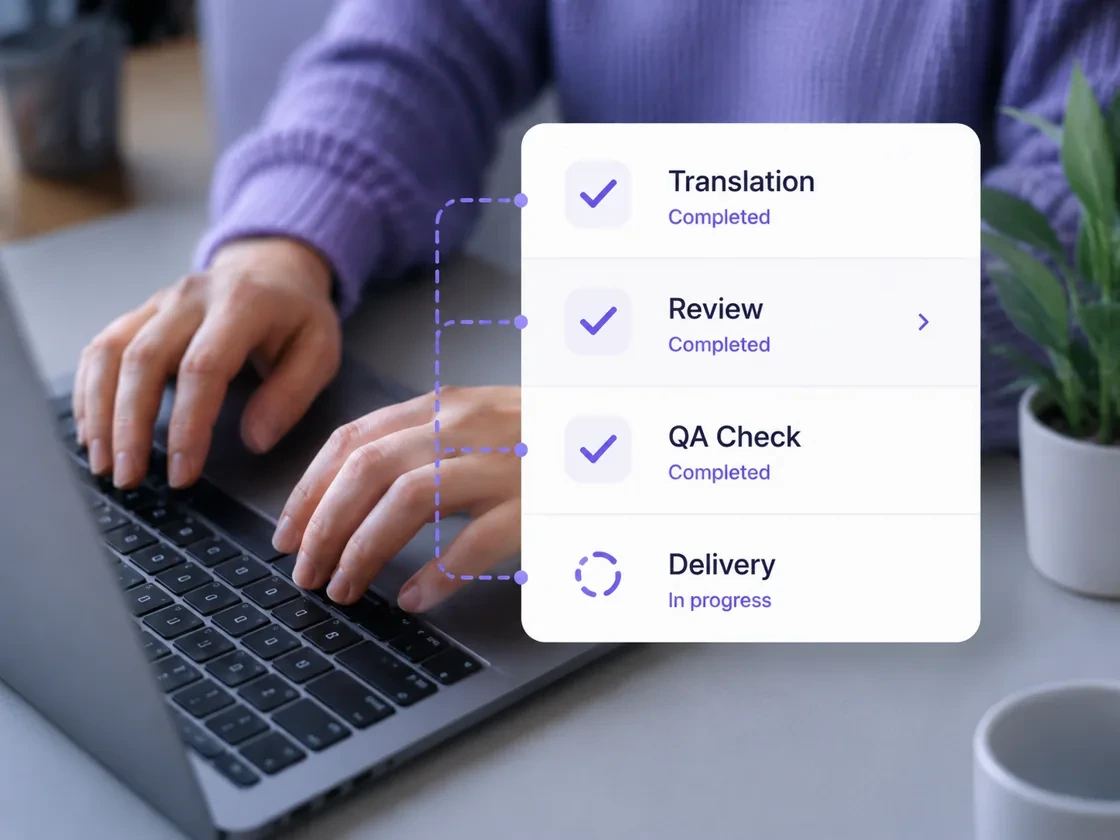
The digital world moves fast, and keeping your content consistent across dozens of languages is a massive challenge. To handle this, companies use a translation management system (or TMS). While a simple editor helps you translate a sentence, a full translation platform manages the entire lifecycle of your multilingual content. Think of it this way: if a translation tool is the hammer, a TMS is the entire construction site manager. It coordinates people, automates repetitive tasks, and ensures that your translation workflow stays on track from the first draft to the final global launch.
The 5 Key Steps of a Modern Translation Workflow
A professional translation management system follows a structured path to move content from your desk to the world. Here is how the process actually looks in a high-performance environment.
1. Content Extraction and Project Setup
The process starts by pulling text from your source. Instead of copying and pasting into a document, a TMS connects directly to your website or app. This stage involves:
-
Automatic Syncing: The system "scrapes" new text from your CMS or code repository.
-
Asset Attachment: The manager attaches a "Memory" (a database of past work) and a glossary to the project.
-
Language Selection: Choosing the source language and all the target languages needed for the launch.
2. Strategic Segmentation
Once the files are inside the translation platform, the software breaks the text into "segments"—usually full sentences. This is a critical technical step because it allows the system to compare these new sentences against your historical data. If you’ve translated a similar sentence before, the TMS will find it and suggest it, saving time and money.
3. Collaborative Translation and Editing
This is where the human expertise comes in. Translators log into a secure, cloud-based environment to work.
-
Real-Time Suggestions: The system shows "matches" from previous projects.
-
Terminology Guidance: If a brand-specific term appears, the language management rules flag it so the translator uses the correct approved word.
-
Live Communication: Editors and translators can leave comments on specific strings of text to clarify context, all within the same interface.
4. Automated Quality Assurance (QA)
Before any content goes live, the TMS runs a battery of automated checks. It looks for technical errors that a human might miss, such as:
-
Inconsistent numbers or dates between the original and the translation.
-
Forgotten punctuation or double spaces.
-
Broken formatting tags that could crash a website or app.
-
Length restrictions (ensuring a German translation doesn't "overflow" a button designed for shorter English text).
5. Final Export and Delivery
Once the review is complete, the translation management system pushes the translated content back to its original home. Because it handles the coding behind the scenes, the translated file is ready to be published immediately in its original layout—whether it's a PDF, a mobile app, or a web page.
TMS vs. CAT Tools: What Is the Difference?
It is easy to get these two confused, but they serve different roles in localization.
| Feature | CAT Tool (Computer-Assisted Translation) | TMS (Translation Management System) |
| Primary User | Individual Translators & Editors. | Project Managers & Global Teams. |
| Main Goal | Speeding up the act of translating. | Automating the entire business process. |
| Key Function | Breaking text into segments and matching them. | Managing vendors, budgets, and API links. |
| Location | Often a desktop app or simple web editor. | A centralized, cloud-based hub. |
Essentially, the TMS acts as the brain of your localization strategy, while the translation tool is the specialized engine that does the linguistic heavy lifting.
3 Reasons Your Business Needs a Translation Platform
If you are managing more than two languages, manual methods (like email and spreadsheets) will eventually break. Here is why a TMS is a game-changer for multilingual content:
1. Centralized Language Management
Without a system, your translations are scattered across old emails and different versions of Word docs. A TMS creates a "Single Source of Truth." Every sentence you ever translate is saved in one secure database. This ensures that your brand sounds the same in Tokyo as it does in Paris.
2. Drastic Cost Savings
A translation management system remembers your work. If your website has a "Privacy Policy" that is 90% the same across five pages, the system recognizes those repeats. You only pay to translate the unique 10% of new text. Over time, this "content reuse" can slash your translation budget by 30% or more.
3. Faster Time-to-Market
In a global race, speed matters. A modern translation workflow removes the "middleman." Instead of waiting for a project manager to email files back and forth, the system automatically alerts the translator the second new content is ready. This allows for "Continuous Localization," where your app updates are translated almost as fast as your developers write the code.
How to Choose the Right System for Your Team
Before committing to a translation platform, ask these three practical questions:
-
Does it have the right connectors? Make sure the TMS can talk directly to the tools you already use, like GitHub, WordPress, or Zendesk.
-
Is it easy for translators to use? A complex system that slows down linguists will eventually cost you more in time and frustration.
-
Does it offer real-time reporting? You should be able to see exactly how much of your project is finished and what your expected costs are at the click of a button.
The Bottom Line
A translation management system is the foundation of any successful global expansion. By automating the "boring" parts of localization like file handling and project tracking it frees up your team to focus on what matters: creating high-quality multilingual content that connects with your customers, no matter what language they speak.