
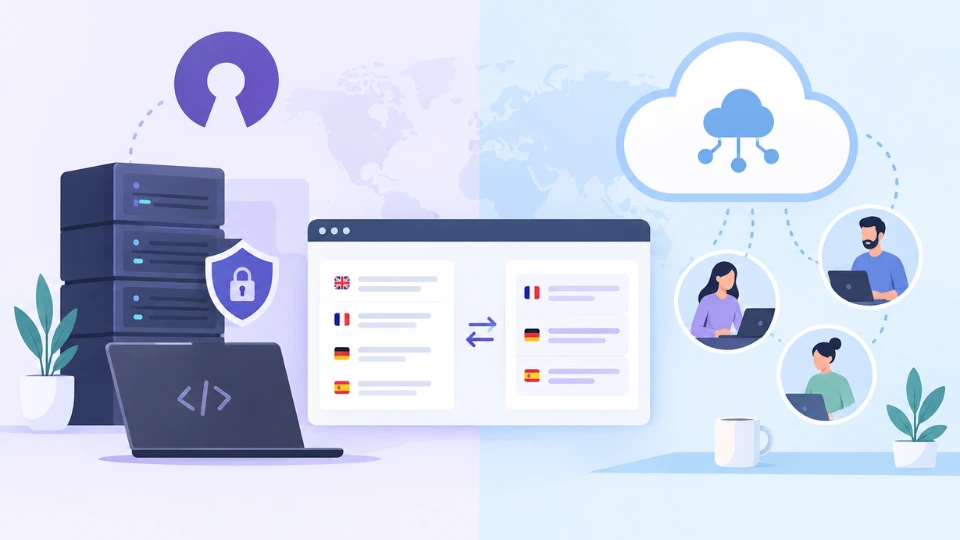
When teams start looking for a translation platform, the first fork in the road is often philosophical. Should you install an open source translation management system on your own servers, or subscribe to a cloud based translation management system that someone else runs for you? Open source sounds free and flexible. Cloud sounds fast and effortless. The reality is more nuanced, and the right choice depends on who will translate, what content you localize and how much engineering time you can spare.
This guide compares both models honestly, including the costs that rarely appear on a pricing page.
What Is an Open Source Translation Management System?
An open source TMS is software whose source code is published under a license that allows anyone to use, study, modify and redistribute it, in line with the Open Source Definition maintained by the Open Source Initiative. You typically download it and host it yourself, although some projects also sell a hosted edition.
Well known examples include Weblate, a GPLv3 project started in 2012 with strong Git integration and broad file format support, Pontoon, the platform Mozilla built for its volunteer localization community, and Traduora, a lightweight, API first tool for small development teams. Each was designed around a particular use case, usually software strings translated by developers or community volunteers.
What Is a Cloud Based Translation Management System?
A cloud based or web based translation management system is delivered as a service. The vendor hosts, secures, updates and backs up the platform, and your team logs in through a browser. You pay a subscription, usually by words, seats or features, and get new capabilities such as AI translation engines or new integrations without touching a server.
Open Source vs Cloud TMS at a Glance
| Factor | Open source, self hosted | Cloud based TMS |
|---|---|---|
| License cost | Free | Monthly or annual subscription |
| Setup | Servers, databases, configuration | Sign up and start a project |
| Maintenance | Your team handles updates, backups, security | Handled by the vendor |
| Customization | Unlimited if you have developers | Through settings, APIs and webhooks |
| Translator experience | Often built for developers or volunteers | Usually built for professional linguists |
| AI and MT engines | Must be connected and paid separately | Typically built in and managed |
| Compliance | Your responsibility to certify | Vendor certifications such as SOC 2 and GDPR |
| Support | Community forums | Dedicated support team |
The Hidden Costs of "Free"
The license may cost nothing, but running a production translation platform does. Self hosting means paying for infrastructure, monitoring and backups, and dedicating developer hours to upgrades, security patches and troubleshooting. Every hour an engineer spends maintaining the localization stack is an hour not spent on the product itself.
There are quieter costs too. Many open source tools have a basic editor compared with professional CAT environments, limited translation memory or glossary features, or no built in machine translation. Professional translators may work more slowly in them, and agencies may charge more for files they cannot process with their usual tools. Smaller projects can also lose momentum when the maintainers move on, leaving users with an unmaintained platform.
When Open Source Makes Sense
- You localize mainly software strings and want deep control over a Git based workflow.
- Your translators are developers or community volunteers rather than paid professionals.
- You have strict on premises requirements and an engineering team ready to own the platform.
- You want to customize the code itself, not just configure the product.
When a Cloud TMS Makes Sense
- Professional translators, agencies or freelancers do most of the work.
- You translate a mix of content, such as documents, marketing pages, help centers, subtitles and UI.
- You need translation memory, terminology, QA and AI engines working together out of the box.
- You want predictable costs and no infrastructure to maintain.
- You must prove compliance to clients without running your own audits.
Quality Is the Deciding Factor
The platform choice is ultimately a quality decision. Volunteers and developers can translate interface strings well, but contracts, medical content, certified documents and marketing campaigns need qualified linguists, structured revision and consistent terminology. Whatever you choose, make sure it supports a proper professional workflow with memory, glossary enforcement and review, rather than simply storing strings in different languages.
Where WordBeam Fits
WordBeam is a cloud based translation management system designed for professional translators and the teams who work with them. It combines a CAT editor, translation memory, term base, QA and multi engine AI translation, with integrations for GitHub, GitLab, Contentful, Adobe Experience Manager and Figma, so developer workflows are covered too. For product teams, the software localization features connect repositories directly, and every plan includes every feature, with monthly pricing and no infrastructure to manage.
Frequently Asked Questions
Is an open source translation management system really free?
The license is free, but hosting, maintenance, security and developer time are not. Calculate the total cost before deciding.
Is a cloud based translation management system secure?
Reputable vendors offer SOC 2 certification, GDPR compliance, encryption and data residency options, which can exceed what a small team achieves with self hosting.
Can I migrate from an open source TMS to a cloud platform?
Yes, if you export translation memory as TMX, terminology as TBX or CSV, and source files in standard formats such as XLIFF or JSON.
Open source and cloud platforms both have a place. Choose the one that lets qualified people do their best work with the least friction, because that is what decides translation quality in the end.