
Point a subdomain or subdirectory at the proxy and your existing site is served fully translated. No new CMS, no rebuild.
- Subdomain or subdirectory routing
- Works with JS-rendered and SPA pages
- Visual in-page editing on a live preview
Visual rules move work between people and stages automatically. Projects advance the moment each condition is met, no chasing, no spreadsheets.




assign by language, notify reviewer, set a 48h SLA.
fires to your stack.
deliver & invoice.
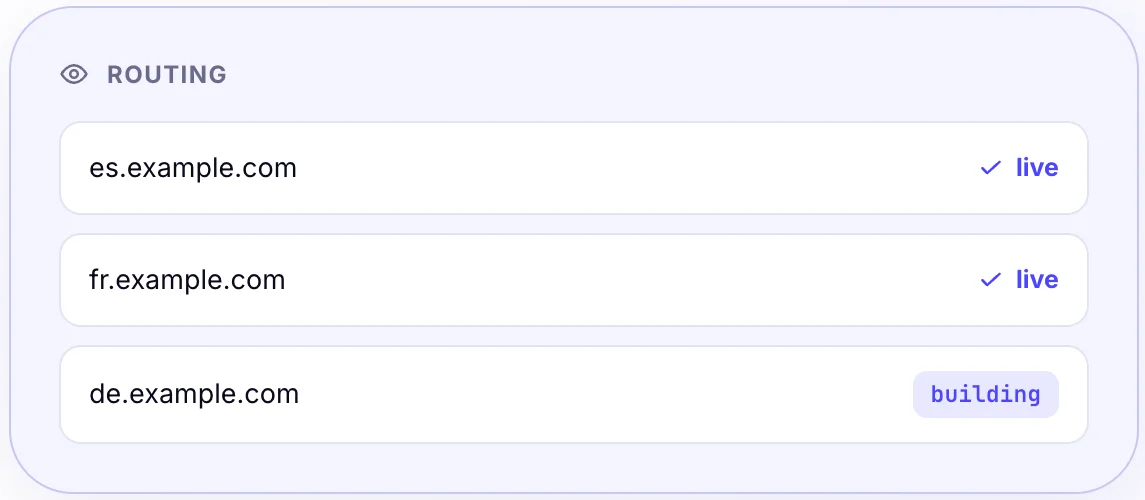
Point a subdomain or subdirectory at the proxy and your existing site is served fully translated. No new CMS, no rebuild.
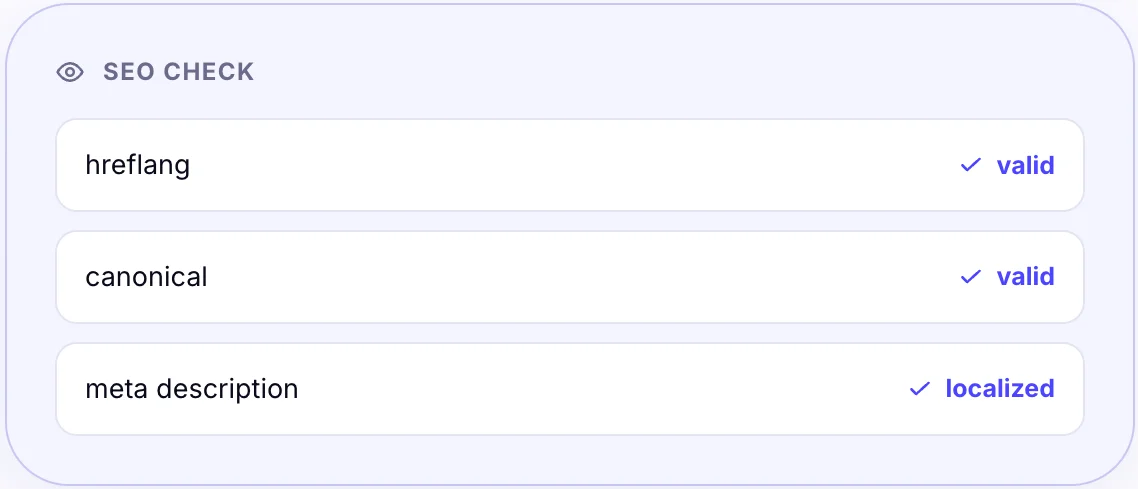
Title tags, descriptions, hreflang and canonical links are localized and validated so every language ranks on its own merits.
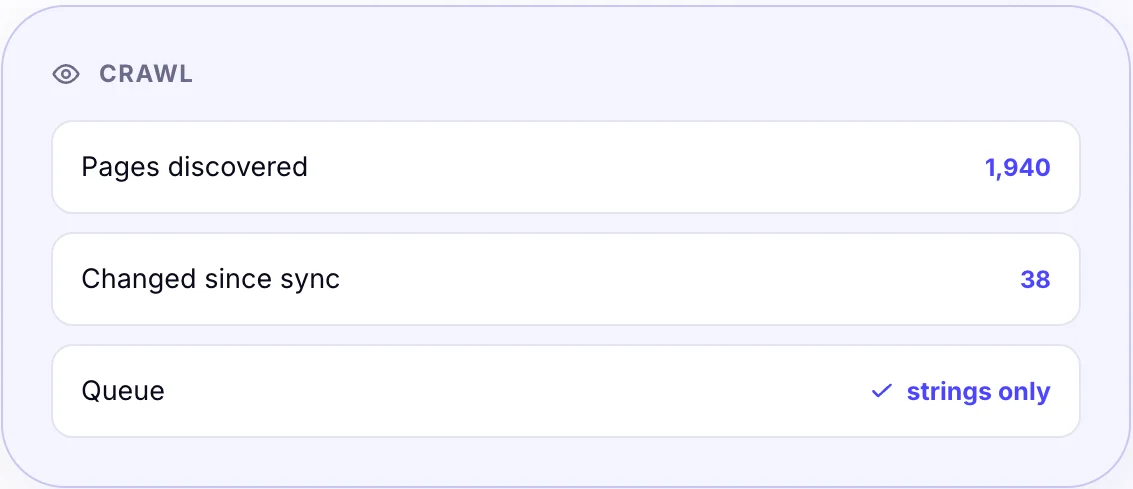
A scheduled crawler discovers new and changed pages and queues only the strings that actually moved.
Drag translation, review and delivery steps onto the builder.
Set conditions for assignment, escalation and handoff between stages.
Jobs advance automatically while you watch progress, not paperwork.
Fire and receive webhooks on any event, connecting WordBeam to the rest of your stack in real time.
Route each job to the right translator by language, specialism, availability or rating.
Compose multi-step if-this-then-that rules on a visual canvas, with no scripting. Branch on language, content type, client or deadline.
Escalations and reminders trigger automatically the moment a step risks slipping its deadline.
Translation was never the bottleneck, the back-and-forth around it was. See what disappears once everything runs in one system.
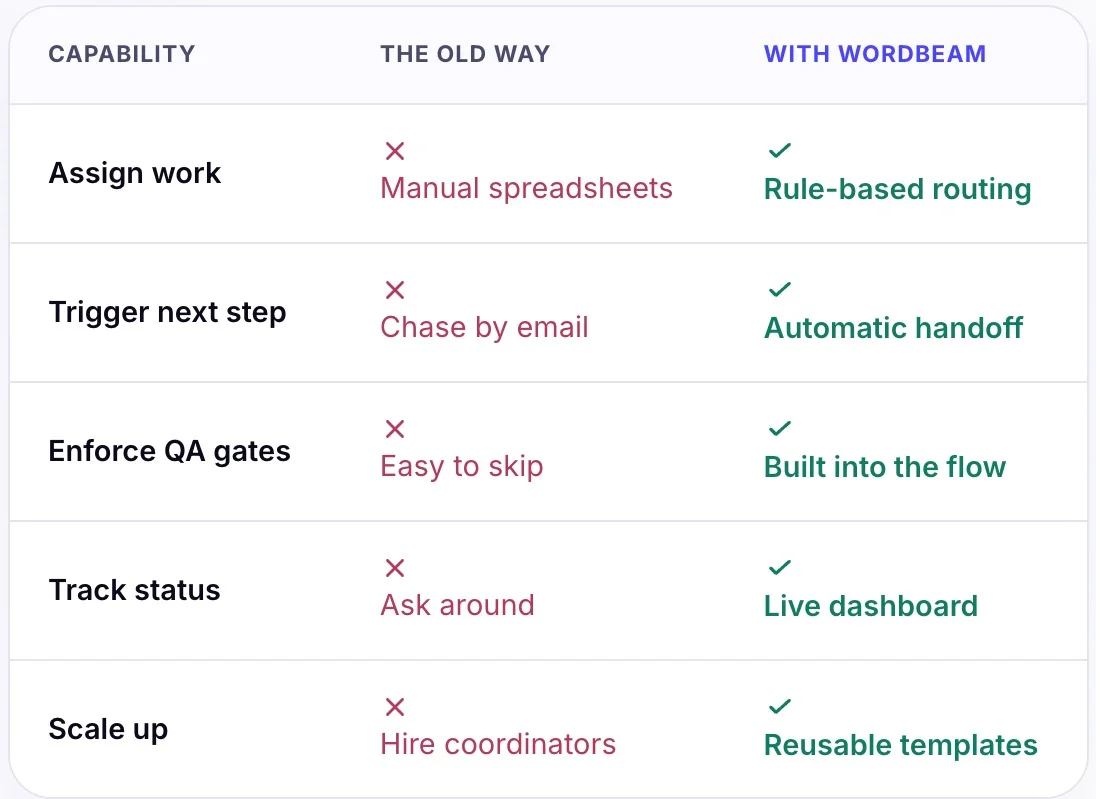
Drag steps, owners and QA gates into a reusable template.
New content kicks off the right path automatically.
Each stage hands off to the next with no chasing.
A live board shows every project's exact status.
No. Workflows are assembled visually from steps, owners and conditions. The API is there if you want to trigger runs programmatically.
Yes. Rules route each project by language, content type, priority or client, so urgent work and bulk work take the right path.
Quality gates are part of the workflow itself, so a project cannot advance until checks pass, rather than relying on people to remember.
A live dashboard shows every project, stage and owner, with alerts when something stalls or a deadline is at risk.