
Connect a repository once and WordBeam keeps strings, branches and releases in sync. Engineers never export a file by hand, and translators never touch a line of code.
✓ Two-way repo sync ✓ 16+ formats ✓ 100+ languages
Connect a repository once and WordBeam keeps strings, branches and releases in sync. Engineers never export a file by hand, and translators never touch a line of code.
✓ Two-way repo sync ✓ 16+ formats ✓ 100+ languages
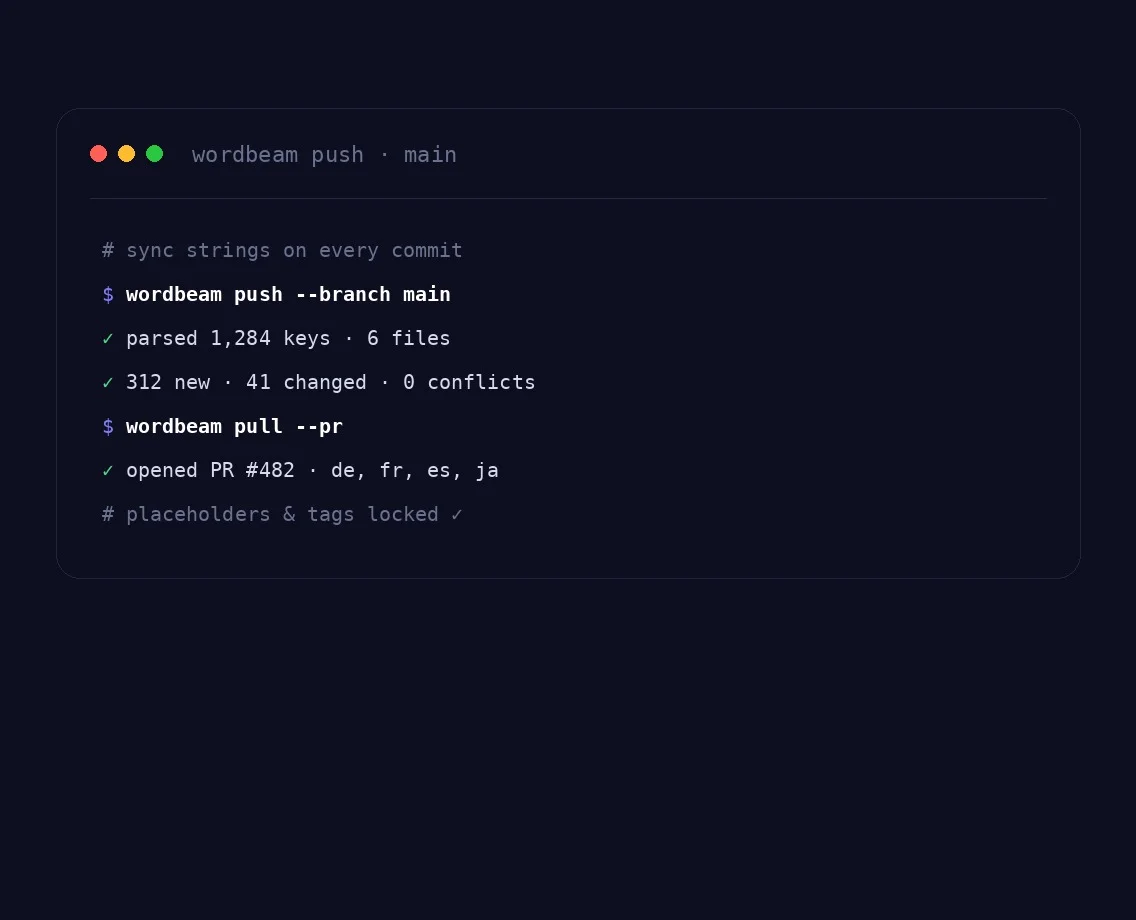
Trigger pushes, pulls and status checks from CI with one command.
New keys flow in on every commit; confirmed translations return as a clean pull request.
Each feature branch gets its own scope and merges back automatically when it ships.
Variables, ICU plurals and HTML tags are locked as non-editable tokens, a translator physically cannot break a build.
DOCX, XLSX, XLIFF, JSON, IDML, PO, SRT and more parsed natively, with new formats always in development.
Authorise GitHub, GitLab or Bitbucket (coming soon) and point WordBeam at your resource files.
Strings arrive with screenshots and developer comments; TM and QA run as you type.
Confirmed translations return as a PR on the same branch, ready to merge and deploy.
JSON, XLIFF, PO, IDML and more formats parse automatically, with new ones always in development.
New and changed keys are detected on every commit.
Placeholders, variables and HTML are validated inline.
Merge translated bundles straight into your branch.
CSV, DOCX, DOCX bilingual, XLSX, IDML, JSON, MQXLIFF, MXLIFF, PO, PPTX, SCC, SDLXLIFF, SRT, TSV, TXT and XLIFF, with new formats always in development. Structure and comments are preserved on round-trip.
No. Interpolation tokens, ICU plurals and HTML tags are locked and validated, so a translator cannot accidentally remove or reorder them.
Yes. The CLI and REST API let you push source strings and pull translations as a build step, with branch-aware syncing.
Each commit is diffed against the last sync, so only new or changed keys are sent for translation, and untouched strings stay frozen.