
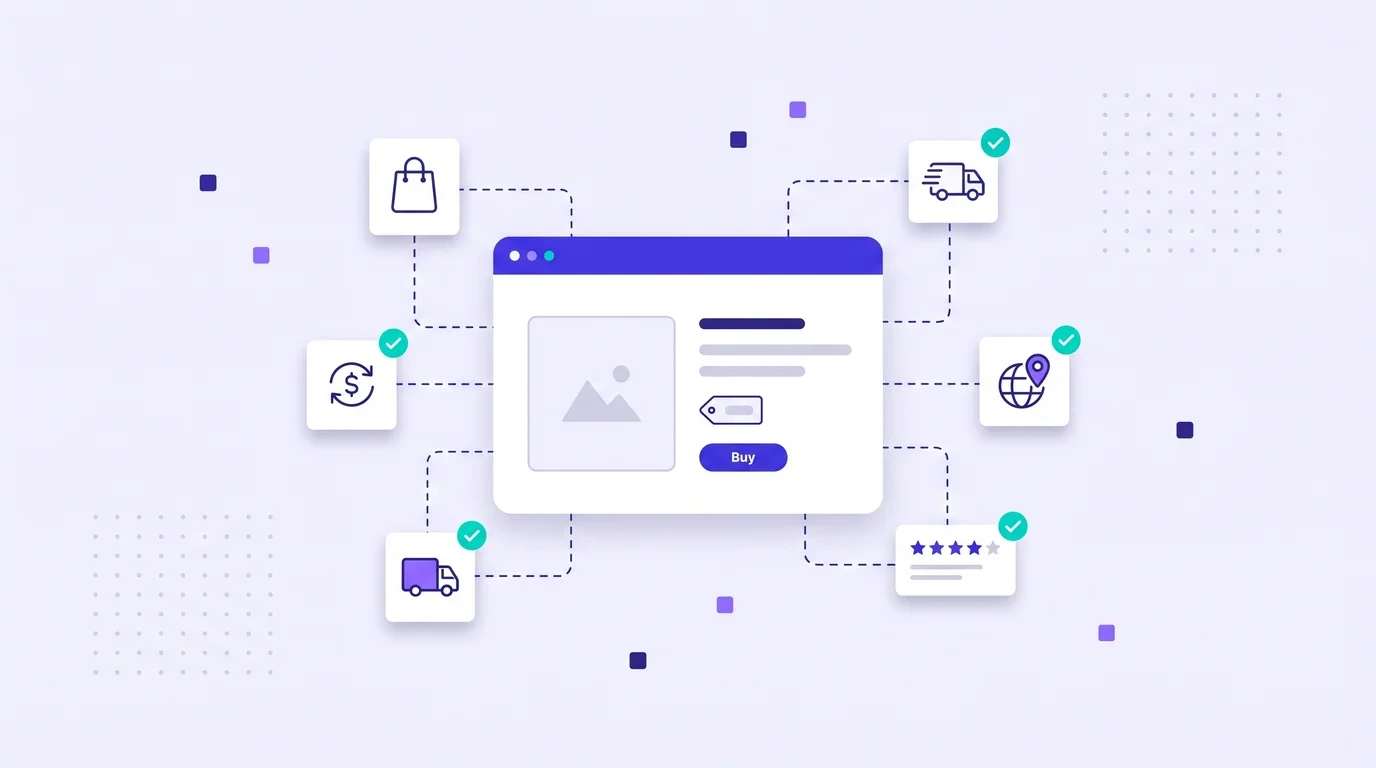
Shoppers do not buy what they cannot understand. A product page that is translated word for word, priced in the wrong currency or sized for a different market will get traffic and lose the sale. Ecommerce localization is about adapting the whole buying experience, from the product title to the checkout button, so that customers abroad feel the store was built for them.
What Is Ecommerce Localization?
Ecommerce localization is the process of adapting an online store for customers in other countries and languages. It includes translating product content, but also changing prices, units, payment methods, shipping information, legal pages, imagery and search keywords to match local expectations.
The business case is well documented. A CSA Research survey of 8,709 consumers in 29 countries found that 76% prefer to buy products with information in their own language, and 40% will never buy from websites in other languages.
What to Localize on a Product Page
Product titles and descriptions
Titles should use the words local customers actually search for, not a literal translation. A "hoodie" in the US may be a "sweat à capuche" in France, and the best-selling term can differ even between Spanish markets. Descriptions should keep the benefits clear and the sentences short.
Prices, currencies and taxes
Show prices in local currency, with the right symbol position and decimal separator. Make clear whether VAT or sales tax is included, since expectations differ between Europe and the US.
Sizes, units and specifications
Convert inches to centimeters, pounds to kilograms and US clothing sizes to EU or UK equivalents. A size chart that does not match local standards is one of the biggest causes of returns.
Images and visuals
Check that photos, models, colors and text inside images suit the market. Text baked into banners is easy to forget and very visible when left in English.
Reviews and social proof
Local reviews build more trust than translated ones. Where possible, show reviews from customers in the same country first.
Checkout, payment and shipping
Offer the payment methods people use locally, translate every error message in the checkout flow and show delivery times and return policies for that country. A beautifully translated product page means little if the checkout falls back to English.
Ecommerce Localization and SEO
Translated product pages only sell if people can find them. Research keywords separately for each market, localize URLs, titles and meta descriptions, and use hreflang tags so search engines show the right version to each user. Google explains the setup in its guide to localized versions of your pages. For a full walkthrough, read our guide to localization SEO.
A Workflow That Scales to Thousands of Products
Online stores have a volume problem. Thousands of SKUs, frequent new arrivals and seasonal campaigns make manual translation impossible to keep up with. A scalable workflow looks like this:
- Export product data in a structured format such as CSV, XLSX or JSON from your store platform or PIM.
- Build a glossary of brand names, materials, size terms and product categories in a shared term base, so they are translated the same way every time.
- Reuse existing translations. Product descriptions repeat a lot, especially across colors and variants. Translation memory applies those repeats automatically and cuts costs.
- Use AI for the first draft. Machine translation handles long-tail products well when combined with your glossary.
- Review your best sellers by hand. Put native reviewers on top-selling products, category pages and the checkout flow.
- Import and publish, then track conversion rate and returns per market to see where content needs more work.
Common Ecommerce Localization Mistakes
- Translating only the product page. Emails, checkout, FAQs and return policies need the same attention.
- Literal translation of product names. Some names should stay in English, others need a local equivalent. Decide once and record it in the glossary.
- Ignoring local search terms. A perfect translation that nobody searches for brings no traffic.
- Forgetting legal requirements. Consumer rights, labeling and return rules vary by country.
- No owner for updates. When a price or description changes in the source, translations must follow quickly.
Localization works best when it is planned across all channels, not only the store. Our playbook on content localization for marketing teams shows how to connect product pages, campaigns and social content.
How WordBeam Helps Online Stores
WordBeam is a translation management system that imports product catalogs in CSV, XLSX and JSON, applies your term base and translation memory automatically, and pre-translates with DeepL, GPT, Claude or Grok. Reviewers work in one CAT editor with QA checks for numbers, units and placeholders, so prices and specifications stay correct in every language.
Frequently Asked Questions
How many languages should an online store start with?
Start with the markets where you already see traffic or sales, or where shipping is easy. Two or three well-localized languages perform better than ten rushed ones.
Is machine translation good enough for product descriptions?
For long-tail products with a strong glossary, often yes. For best sellers, category pages and checkout, add human review.
What is the difference between ecommerce translation and localization?
Translation changes the language. Localization also adapts prices, units, payment options, imagery, keywords and legal information for each market.