
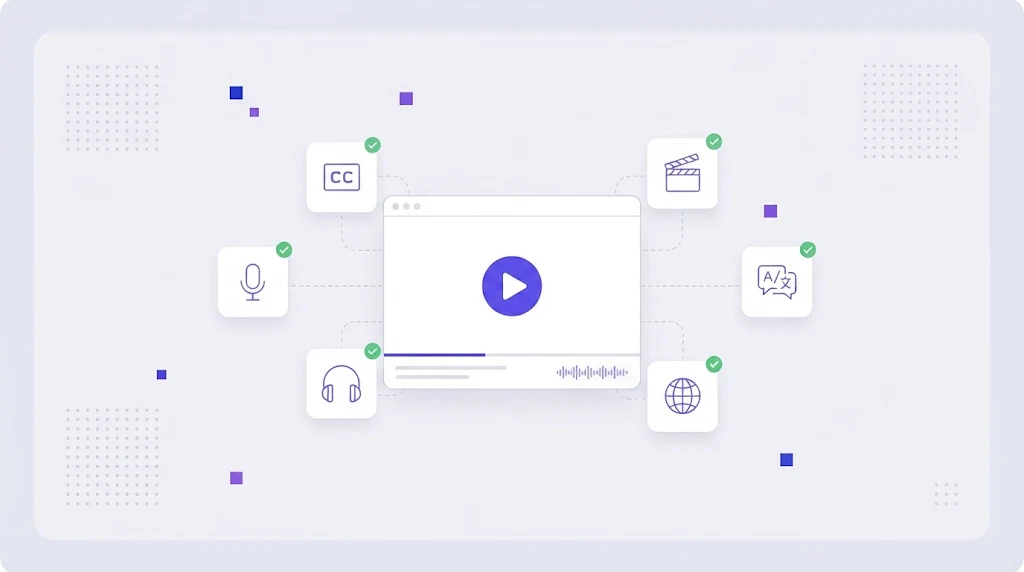
Video is now the main format for product demos, onboarding, training, ads and social content. It is also the format most companies forget to localize. A team will translate its whole website into five languages and still send every international customer to an English only YouTube tutorial. Video localization closes that gap, and with AI tools it has become far cheaper and faster than it was just a few years ago.
What Is Video Localization?
Video localization is the process of adapting video content for viewers in another language and culture. It can mean adding translated subtitles, replacing the voice track with dubbing or voice-over, translating on screen text and graphics, and adjusting examples, references and calls to action so they make sense in the target market.
Like any form of content localization, the goal is not a literal copy in another language. It is a video that feels made for the viewer.
The Main Video Localization Methods
Subtitles and closed captions
Subtitles translate the spoken words into text on screen. They are the fastest and cheapest method, keep the original voice and work well for social media, where most videos are watched without sound. Closed captions also describe sounds and speaker changes for accessibility. Subtitles are usually delivered as SRT or WebVTT files.
Voice-over
A voice-over adds a translated narration on top of, or instead of, the original audio. It is common for e-learning, corporate training and explainer videos where the speaker is not on camera, so lip movement does not matter.
Dubbing
Dubbing replaces the original dialogue with a translated performance timed to match lip movements and emotion. It gives the most native experience and is standard for entertainment and high budget ads, but it is also the most expensive and time consuming option.
AI dubbing and synthetic voices
AI voice tools can now clone a speaker's voice, translate the script and generate a new audio track in hours. Quality is good enough for many tutorials, webinars and internal videos. For brand campaigns, a human review of the translated script and the final audio is still essential.
How to Choose the Right Method
- Social clips and short ads: subtitles, burned into the video for platforms that autoplay muted.
- Product tutorials and help videos: subtitles plus AI voice-over for the top markets.
- E-learning and compliance training: professional voice-over and translated on screen text.
- Brand films and TV ads: human dubbing or transcreated scripts, see our guide to transcreation.
The Video Localization Workflow
- Transcribe the source. Create an accurate transcript with timecodes. Speech to text tools do most of the work; a human corrects names and terms.
- Prepare the script for translation. Split it into segments, add context and mark on screen text and graphics that also need translating.
- Translate with memory and terminology. Use translation memory so repeated phrases in a video series stay consistent, and a glossary for product names and UI terms.
- Adapt for timing. Subtitles have reading speed limits (around 15 to 17 characters per second) and lines of about 42 characters. Dubbing scripts must match the length of the original speech.
- Record or generate audio. Book voice talent or generate AI voices, then mix with music and effects.
- Localize graphics. Replace text in titles, lower thirds, UI screenshots and end cards.
- Review in context. A native speaker watches the final video to check sync, meaning and tone.
- Publish with localized metadata. Translate titles, descriptions and tags so the video is found in search, following the same principles as localization SEO.
Translating Subtitle Files Without Breaking Them
SRT and VTT files mix timecodes, numbering and text. Translating them in a word processor often breaks the format. A CAT tool that understands subtitle formats protects timecodes, shows character counts per line and lets translators work segment by segment. Machine translation can produce the first draft, and automated QA checks flag lines that exceed reading speed limits.
How Much Does Video Localization Cost?
Prices vary widely by method and language. As a rough guide, translated subtitles cost a few dollars per video minute, professional voice-over costs significantly more per minute plus studio time, and full lip sync dubbing is the most expensive option. AI dubbing has brought the cost of voice tracks down sharply for informational content. The cheapest saving, again, comes from reuse: a video series that uses the same terms and phrases gets cheaper with every episode when translation memory is in place.
Common Video Localization Mistakes
- Recording English videos with text baked into the footage that cannot be edited.
- Translating subtitles word for word, producing lines too long to read.
- Using different terms in videos than in the localized product UI.
- Forgetting the thumbnail, title and description.
- Publishing AI dubbing without any native review.
Plan for Localization When You Record
The cheapest localization happens before the camera rolls. Keep on screen text in editable layers, leave pauses between sentences, avoid idioms and local jokes in scripts, record clean voice tracks separate from music, and show the product UI in a way that can be re-recorded in other languages.
How WordBeam Supports Video Localization
WordBeam handles the text side of video localization: transcripts, scripts, SRT and VTT subtitles, on screen text and video metadata. Teams translate in a shared translation management system with memory, glossary, AI engines and QA, then export clean subtitle files and scripts for voice talent or AI voice tools. Because the same terminology base covers your product, website and videos, your tutorials finally match the interface your users see. Try WordBeam free.
Frequently Asked Questions
Is subtitling or dubbing better?
Subtitles are faster, cheaper and keep the original voice. Dubbing feels more native and works better for audiences who prefer not to read. Many teams subtitle everything and dub only their most important videos.
Can AI translate videos automatically?
AI can transcribe, translate and voice a video in hours. For anything customer facing, a human should review the translated script and final audio to catch errors in terminology, tone and timing.
What file format is used for subtitle translation?
SRT is the most common, followed by WebVTT for web players. Both are plain text files with timecodes and can be translated in a CAT tool that protects the timing data.