
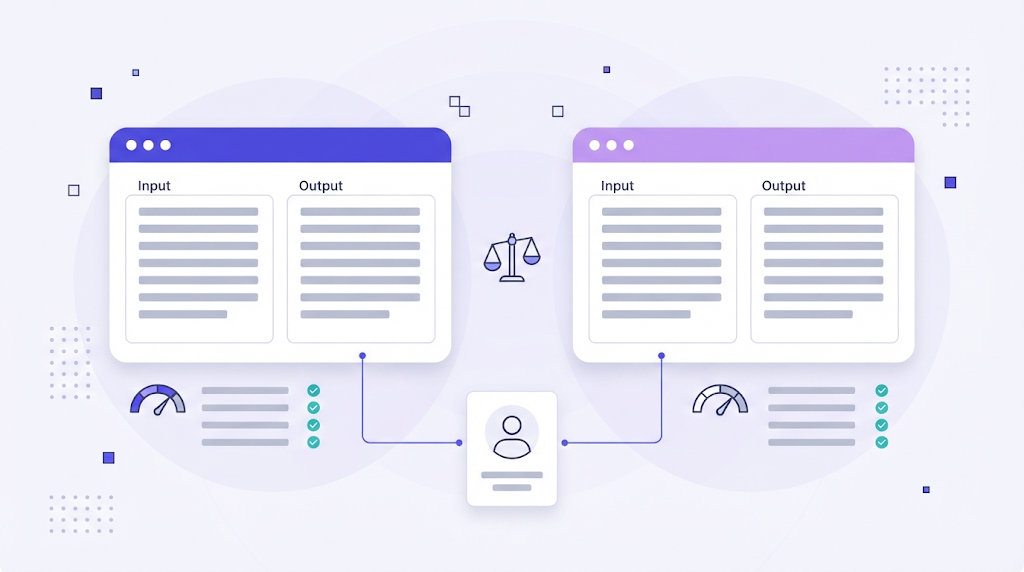
If you work with translation, someone has asked you this question: DeepL or Google Translate? The honest answer is that both are excellent engines, and the better choice depends on your languages, your content and how much control you need. What matters more is how you use them inside a professional workflow.
This comparison looks at DeepL and Google Translate from the point of view of translators, agencies and localization teams, not casual users translating a menu on holiday.
DeepL and Google Translate in Brief
DeepL launched in 2017 from Cologne, Germany, and built its reputation on natural sounding output for European languages. It offers a free web translator, paid DeepL Pro plans with API access and data protection commitments, and integrations with CAT tools.
Google Translate has been around since 2006 and moved to neural machine translation in 2016. Its biggest advantage is breadth: according to Wikipedia, it supports more than 240 languages and varieties, including many low resource languages that few other engines cover. Businesses access it through Google Cloud Translation.
Side by Side Comparison
| Criteria | DeepL | Google Translate |
|---|---|---|
| Language coverage | Smaller set, focused on major languages | Very broad, including long tail languages |
| Output style | Often more fluent and idiomatic in European pairs | Consistent, sometimes more literal |
| Terminology control | Glossaries for supported language pairs | Glossaries in the advanced Cloud Translation edition |
| Formality | Formal or informal tone option for several languages | Limited direct control |
| Document translation | Strong formatting preservation for common office formats | Supported through Cloud Translation |
| Business access | DeepL Pro and DeepL API | Google Cloud Translation API |
Translation Quality
Quality depends heavily on the language pair and the type of text. Many translators find DeepL more fluent for European languages such as German, French, Dutch or Polish, especially in marketing and general business content. Google Translate is often stronger or simply the only option for Asian, African and smaller languages, and it performs well on short, technical strings.
The only reliable way to decide is to test. Take a representative sample of your real content, run it through both engines, and have a professional linguist score the output for accuracy, fluency and terminology. Measure how much post editing each engine needs, not how impressive the first sentence looks.
Terminology and Consistency
For professional work, raw quality matters less than control. Product names, legal terms and approved brand vocabulary must stay consistent. Both providers offer glossary features for business users, but coverage and setup differ. In practice, the most reliable approach is to manage terminology in your own translation glossary and let your translation platform enforce it, regardless of which engine produced the draft.
Privacy and Data Protection
Free consumer versions of translation tools are not designed for confidential material. For client documents, contracts or unreleased product content, use the paid business offerings, which come with contractual data protection terms. Check where data is processed, how long it is stored and whether it can be used to train models. Many agencies forbid pasting client content into free web translators for exactly this reason.
Using DeepL and Google Translate in a Professional Workflow
Machine translation works best as one layer in a workflow, not as the whole workflow:
- Translation memory first. Reuse approved translations for anything you have translated before.
- Machine translation for new segments. Use the engine that performs best for each language pair.
- Glossary and QA checks. Catch terminology errors, missing numbers and broken tags automatically.
- Human post editing. A qualified linguist reviews and corrects the output. Our guide to machine translation post editing explains the levels of review.
You do not have to choose one engine forever. A translation management system with AI machine translation built in lets you connect several engines and pick the best one per language pair or project. If you are still deciding, our article on how to choose a machine translation tool walks through the criteria.
Which Should You Choose?
- Choose DeepL if you mainly translate between major European languages and value fluent, natural sounding drafts and formality control.
- Choose Google Translate if you need broad language coverage, including smaller languages, or you already build on Google Cloud.
- Use both if you work across many language pairs. Route each pair to the engine that tests best.
Frequently Asked Questions
Is DeepL more accurate than Google Translate?
For many European language pairs, translators often prefer DeepL. For other pairs, Google can be equal or better. Test with your own content before deciding.
Can I use free DeepL or Google Translate for client work?
It is not recommended for confidential content. Use business plans with clear data protection terms, or a TMS that connects to the engines through their APIs.
Will machine translation replace professional translators?
No. Machine translation speeds up drafting, but accuracy, terminology, tone and accountability still require qualified human review.
DeepL and Google Translate are both powerful tools. The real advantage comes from combining the right engine with translation memory, terminology control and human expertise in one workflow.