
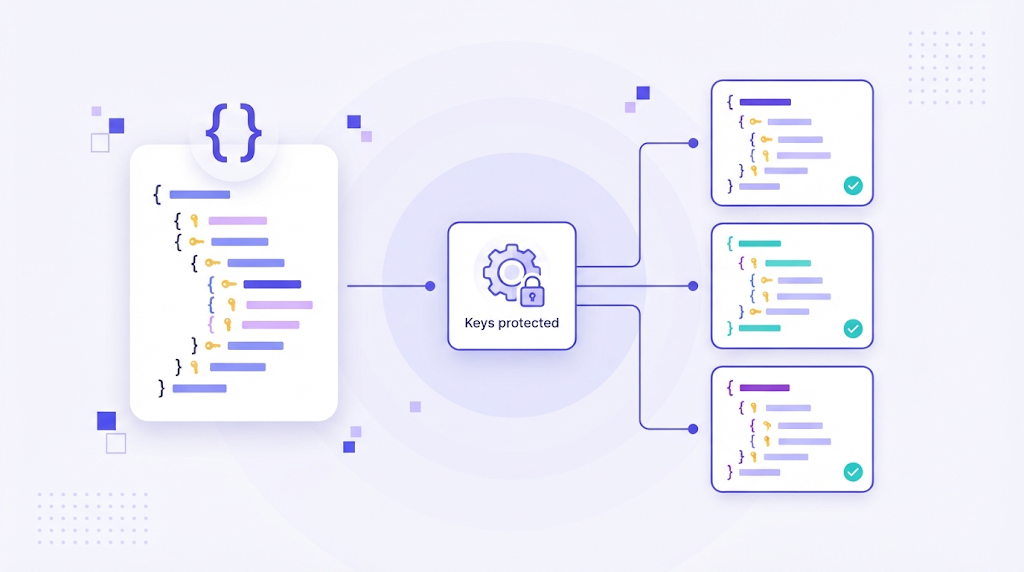
Sooner or later, every developer who builds a multilingual app receives a message like this: "The French version is broken." The cause is often tiny. A translator replaced a straight quote with a curly one, translated a key instead of a value, or removed a placeholder. JSON is simple for machines and unforgiving for humans, which makes translating it a task worth doing properly.
This guide explains how to translate a JSON file safely, what can go wrong, and how to set up a workflow where translators never touch raw syntax.
Why JSON Is Used for Translations
JSON is the default format for translation files in many web and mobile frameworks, including popular JavaScript i18n libraries. Each language gets its own file, and each file maps keys to translated strings:
| File | Key | Value |
|---|---|---|
| en.json | checkout.title | Your cart |
| de.json | checkout.title | Ihr Warenkorb |
| fr.json | checkout.title | Votre panier |
The application looks up the key and displays the value for the active language. This separation of text from code is a core part of internationalization, and it is what makes adding a new language possible without changing code.
The Golden Rule: Translate Values, Never Keys
Keys are identifiers used by the code. If a key is translated, the application can no longer find the string and will usually show the raw key or an empty space. Only the values on the right side should change. The same applies to the file structure: nesting, commas, brackets and quotes must stay exactly as they are.
Step by Step: How to Translate a JSON File
- Validate the source file. Run the English file through a JSON validator first. Translating a file that is already broken only multiplies the problem.
- Add context for translators. Keys like btn.save help, but screenshots, descriptions and character limits help more. A short "Save" button may need a different word than "Save" in a sentence.
- Protect placeholders and markup. Variables such as {name}, {{count}} or %s, and HTML tags inside strings, must survive translation unchanged. They can move within the sentence, but they cannot be translated or deleted.
- Handle plurals properly. Languages have different plural rules. Use your framework's plural format, often ICU message syntax, so translators can provide every form their language needs.
- Translate in a tool, not a text editor. A translation platform imports the JSON, shows translators only the values, and locks keys and placeholders automatically.
- Run QA checks. Check for missing placeholders, untranslated strings, length overflows and inconsistent terminology.
- Export and validate again. Export the translated file, validate the syntax and test it in a staging build before release.
Common JSON Translation Errors
- Broken escaping. Quotes inside a value must be escaped. A translator who adds quotation marks around a product name can break the whole file.
- Typographic quotes. Word processors replace straight quotes with curly ones, which are not valid JSON delimiters.
- Missing commas. Copying and reordering lines by hand easily drops a comma.
- Translated or modified keys. The string still exists, but the app cannot find it.
- Encoding issues. Always save files as UTF-8, otherwise accented and non Latin characters turn into question marks.
- Out of sync files. New keys added to the source but never sent for translation, so users see English fragments.
Machine Translation for JSON Files
Pasting a JSON file into a free online translator is risky. Many engines translate keys, alter placeholders or mangle the syntax. If you want to use machine translation, use a platform that extracts only the values, sends them to the engine, protects placeholders and rebuilds a valid file. Combined with translation memory, this means repeated strings such as "Cancel" or "Learn more" are translated once and reused everywhere. Read more about how translation memory reduces repeat work.
Automating JSON Localization
For products that ship often, manual file handling does not scale. A better approach is continuous localization: new keys are pushed from your repository to a translation platform, translated with memory and glossary, reviewed, and pulled back automatically. WordBeam supports this for software localization, and its UI translations features give translators context, so they know exactly where each string appears.
Frequently Asked Questions
Can I translate a JSON file in Excel?
You can convert JSON to a spreadsheet and back, but the conversion step often introduces errors in nesting, escaping and encoding. A translation tool that reads JSON natively is safer.
Should each language have its own JSON file?
Usually yes. One file per language, with identical keys, is the most common and easiest structure to maintain.
How do I find untranslated keys?
Compare each language file against the source file, or let your translation platform report missing and outdated strings automatically.
Translating JSON is easy to get wrong and easy to get right. Protect keys and placeholders, give translators context, and let a translation platform handle the syntax so your team can focus on the words.