
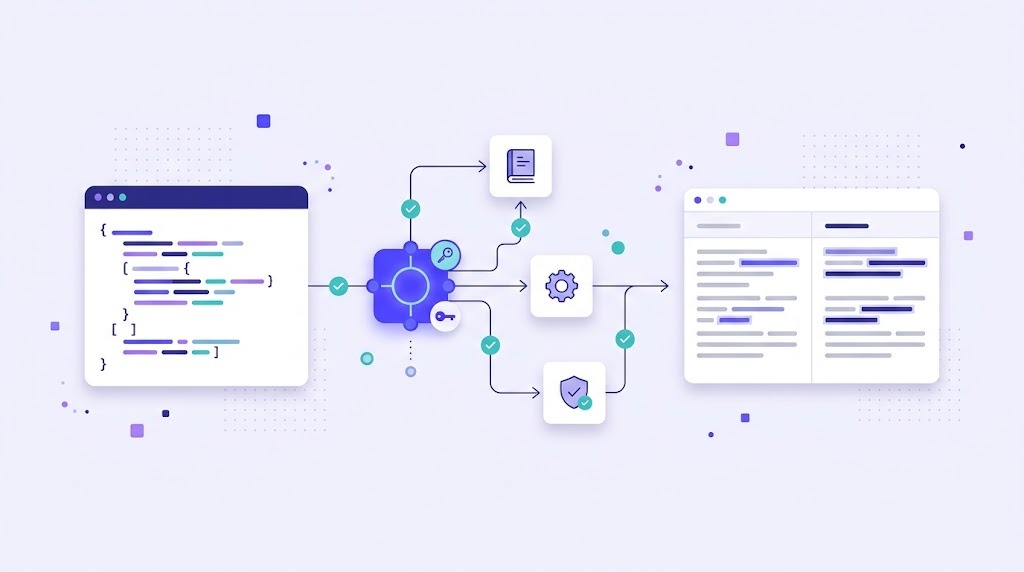
Users rarely complain that a translation is slightly awkward. They complain when a button says "Subm", a date shows the wrong month or the checkout page is half in English. Localization testing is how you catch these problems before your users do. It checks that the translated product works, looks right and reads naturally in every language you ship.
What Is Localization Testing?
Localization testing is the process of verifying a localized product in each target locale. It covers the language itself, the user interface, functionality and local conventions such as dates, currencies and address formats. It is different from translation review: a reviewer checks text in a file, while a localization tester checks the real product on a real screen.
Types of Localization Testing
Linguistic testing
Native speakers check that text is accurate, consistent and natural in context. Many issues only appear on screen, such as a word that is correct in isolation but wrong next to an icon.
Cosmetic (UI) testing
Testers look for truncated text, overlapping elements, broken line wraps, missing fonts and images with untranslated text. Text expansion is a frequent cause: as the W3C explains, translated text can be much longer than English, especially for short UI strings.
Functional testing
Features must work the same way in every language. Typical problems include search that fails on accented characters, forms that reject local postal codes and sorting that ignores local alphabet rules.
Locale testing
Dates, times, numbers, currencies, units, phone numbers and addresses should follow local conventions. Right-to-left languages such as Arabic and Hebrew need the whole layout mirrored.
Start Early With Pseudo-Localization
Pseudo-localization replaces source text with an altered version, for example adding accents, brackets and extra characters, before any real translation exists. It quickly reveals hard-coded strings, truncation and encoding problems. Running it during development is far cheaper than finding the same bugs after translation.
A Localization Testing Checklist
- No hard-coded or untranslated strings remain in the UI, emails or error messages.
- Text fits in buttons, menus and dialogs without truncation.
- Placeholders show real values, not raw variables such as
{name}. - Plural forms are correct for small and large numbers.
- Dates, times, numbers and currencies follow the locale.
- Right-to-left layouts mirror correctly where needed.
- Fonts display all characters, including special characters and scripts.
- Images, screenshots and videos match the language.
- Links point to the localized version of pages.
- Search, sorting, forms and payments work with local input.
- Terminology matches the glossary across the product.
How to Organize Localization Testing
- Define scope per release. Test new and changed screens in every language, plus a smoke test of key flows.
- Give testers context. Provide test accounts, a staging environment, the glossary and a short guide to the product.
- Use a shared bug template. Include language, screen, screenshot, expected and actual result, and severity.
- Fix at the source. Linguistic bugs should be corrected in your TMS so the fix reaches translation memory, not only the build.
- Retest and close. Confirm fixes in the next build and track recurring issues by language.
Many problems can be stopped before testing starts. Automated QA checks catch broken placeholders, tags and length issues during translation. Our translation quality assurance checklist covers that earlier stage.
Common Localization Bugs
| Bug | Typical cause | Prevention |
|---|---|---|
| Truncated text | Fixed-width UI elements | Flexible layouts, length limits in the TMS |
| Untranslated strings | Hard-coded text | Pseudo-localization, code review |
| Wrong plural | Concatenated strings | Proper plural handling in i18n library |
| Broken variable | Placeholder edited in translation | Automated placeholder checks |
| Wrong date format | Manual formatting | Locale-aware formatting APIs |
If you see many of these, the root cause is often in the code rather than the translation. Read internationalization vs localization to fix it at the source.
How WordBeam Helps
WordBeam reduces the number of bugs that reach testing. Its CAT editor checks placeholders, tags, numbers and terminology on every segment, and fixes made after testing go straight into translation memory. For apps and websites, WordBeam supports UI translations and software localization with formats such as JSON, PO and XLIFF.
Frequently Asked Questions
What is the difference between localization testing and internationalization testing?
Internationalization testing checks that the code can support any language, often with pseudo-localization. Localization testing checks the product in a specific language and locale after translation.
Who should do localization testing?
Ideally native speakers with testing experience, supported by QA engineers for functional issues.
Can localization testing be automated?
Partly. Screenshot comparisons, pseudo-localization and string checks can be automated. Judging meaning and naturalness still needs people.