
A customer who cannot explain their problem in their own language is already halfway out the door. As companies sell into more markets, support teams face a simple but expensive question: how do you help everyone, in every language, without hiring a native speaker for each one? Multilingual customer support answers that question with the right mix of people, process, translation technology and localized self-service content.
What Is Multilingual Customer Support?
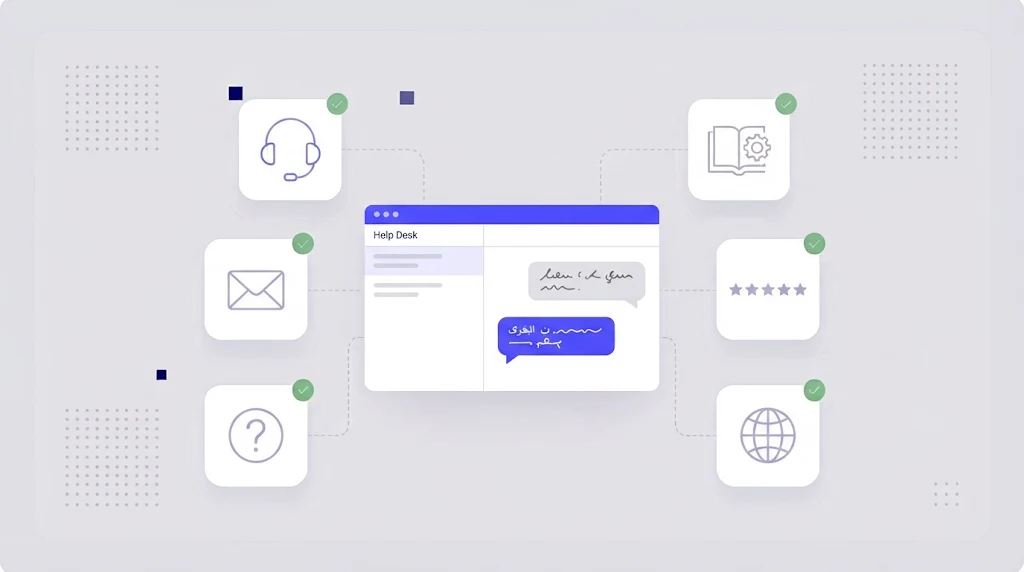
Multilingual customer support means offering help to customers in their preferred language across every channel: email, live chat, phone, social media and self-service help centers. It covers both the live conversations between agents and customers and the written content customers use to solve problems on their own, such as FAQs, knowledge base articles and in-app guidance.
Why It Matters
- Customer satisfaction: people resolve issues faster and feel respected when they can write in their own language.
- Retention: poor support is one of the main reasons customers churn, and language barriers make support worse.
- Revenue: pre-sales questions answered in the buyer's language convert better, especially in B2B.
- Brand trust: local language support signals that you are serious about a market.
Four Ways to Staff Multilingual Support
1. Native speaking agents
The gold standard for quality and empathy, and the right choice for your biggest markets and phone support. It is also the most expensive option, and hard to scale to many languages or cover around the clock.
2. Outsourced support partners
Specialist providers offer agents in many languages and time zones. Good for coverage, but you need strong training material and a shared glossary to keep answers accurate and on brand.
3. AI-assisted translation for agents
Agents read incoming tickets translated into their language and reply in their own language, with the response machine translated back. Modern AI and machine translation makes this practical for email and chat in many languages. It works best with a glossary of product terms and a quick human check for sensitive replies.
4. Localized self-service
A translated help center and chatbot can resolve a large share of questions before they become tickets. This is usually the highest return investment because one translated article serves every customer in that language.
Most companies combine these: native agents for the top two or three languages, AI-assisted translation for the long tail, and a localized knowledge base for everyone.
How to Localize Your Help Center
- Prioritize by impact. Translate the articles behind most of your ticket volume first. Your help desk analytics show which ones.
- Export content from your help desk or CMS as HTML, XLIFF or JSON and import it into a translation management system.
- Use translation memory. Help articles repeat steps, warnings and UI labels constantly; translation memory means you translate each sentence only once.
- Keep UI terms consistent. Button names in articles must match the localized product. A shared term base links your help center to your UI translations.
- Machine translate and review. Draft with an AI engine and have a reviewer check high traffic articles.
- Automate updates. When an English article changes, only the changed segments are sent for translation through workflow automation.
- Localize screenshots for your most visited articles, or use annotated screenshots without embedded text.
Using Machine Translation in Live Support
Real-time translation of tickets and chat is now built into many help desks or available through integrations. To use it well:
- Feed the engine your product glossary so feature names are not translated literally.
- Write short, clear sentences; agents' writing quality strongly affects MT output.
- Avoid idioms, jokes and sarcasm in replies.
- Escalate legal, billing and complaint cases to native speakers or human translation.
- Tell customers when replies are machine translated, so expectations are clear.
Our guide on LLM translation covers the strengths and risks of AI models for this kind of content.
Building a Multilingual Support Glossary
A support glossary lists product names, features, error messages and approved phrases in every language, with notes on what must never be translated. It keeps agents, translators and AI engines aligned. Learn how to build one in our article on terminology management.
Metrics to Track per Language
- Ticket volume and deflection rate (self-service resolutions).
- First response time and resolution time.
- Customer satisfaction (CSAT) per language.
- Reopen rate, a sign of misunderstandings.
- Help center article views and search queries with no results.
Common Mistakes
- Translating the help center once and never updating it.
- Different names for the same feature in the product, docs and support replies.
- Relying on raw machine translation for complaints and refunds.
- Offering a language in sales but not in support.
How WordBeam Helps Support Teams
WordBeam keeps your help center, macros, canned responses and product UI in one translation workspace. Memory and glossary make every article consistent with the product, AI engines draft translations in minutes, and QA checks catch broken links and terminology errors before publishing. When an English article changes, only the update is translated. Start free and localize your top help articles this week.
Frequently Asked Questions
How many languages should customer support cover?
Match your sales and user base. Offer full live support in your biggest markets, and use localized self-service plus AI-assisted translation for smaller ones.
Can AI handle multilingual customer support?
AI translation and chatbots handle routine questions well, especially with a good glossary and knowledge base. Complex, sensitive or high value cases still need human agents.
What should I translate first in a help center?
Start with the articles linked to the most tickets and the most page views, plus getting started guides and billing FAQs.