
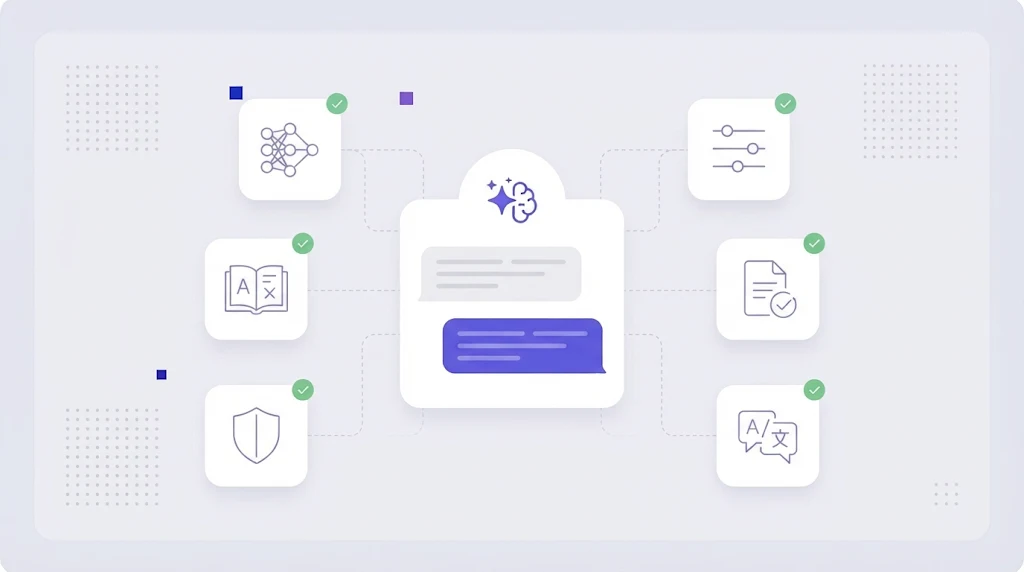
For a decade, "machine translation" meant neural engines such as Google Translate and DeepL. Then large language models arrived and changed the conversation. GPT, Claude, Gemini and open models can translate, rewrite, follow a style guide and explain their choices in one prompt. For localization teams the question is no longer whether to use LLM translation, but where it fits and how to keep it under control.
What Is LLM Translation?
LLM translation is the use of a large language model, a general purpose AI trained on huge amounts of multilingual text, to translate content. Unlike classic neural machine translation (NMT) engines, which are built only to map one sentence to another, an LLM can take instructions: "use formal German", "keep the brand name in English", "this string appears on a button with 20 characters max".
That flexibility is the main advantage, and also the main risk.
LLM Translation vs Neural Machine Translation
- Context: LLMs can use surrounding paragraphs, product descriptions or screenshot descriptions; most NMT engines translate sentence by sentence.
- Instructions and style: LLMs follow tone, audience and formatting instructions. NMT offers limited controls such as formality and glossaries.
- Consistency: NMT is deterministic and predictable. LLMs can phrase the same sentence differently each time unless constrained.
- Speed and cost: NMT is usually faster and cheaper per character at scale. LLM cost depends on model size and prompt length.
- Errors: NMT errors tend to be literal. LLM errors can be fluent but wrong, including added or omitted information.
Research from the annual machine translation evaluation campaigns, such as the WMT24 general translation findings, shows LLM based systems competing at the top for many language pairs, while quality still varies for lower resource languages. If you are deciding between classic engines, our DeepL vs Google Translate comparison covers that side.
Where LLM Translation Shines
Marketing and UX copy
LLMs adapt idioms and tone better than sentence level engines, which makes them useful for first drafts of landing pages, emails and in-app messages, close to transcreation.
Short strings that need context
A single word like "Save" or "Order" is ambiguous. Given a description and a length limit, an LLM picks the right meaning far more often.
Post-editing and quality estimation
LLMs can review an existing translation, flag likely errors, check terminology and suggest fixes, which speeds up machine translation post-editing.
The Risks You Need to Manage
- Hallucinations and omissions: fluent sentences that add, drop or change facts, numbers or negations.
- Terminology drift: product terms translated differently across files.
- Broken placeholders and tags in software strings.
- Data privacy: sending confidential content to a public chatbot without a data processing agreement.
- No audit trail: copying and pasting into a chat window leaves no record of who approved what.
How to Use LLM Translation Safely
- Use it inside a TMS, not a chat window. A translation management system sends segments through an API with your settings, protects tags and stores results.
- Feed it your glossary. Inject approved terms from your term base into every request.
- Reuse translation memory first. Only send new or changed segments to the model; exact matches come from translation memory.
- Give context: content type, audience, character limits and neighbouring segments.
- Run automated QA for numbers, placeholders, tags and terms on every LLM output with QA checks and AI proofreading.
- Keep human review for customer facing, legal and regulated content.
- Compare engines per language pair. The best engine for German may not be the best for Japanese.
We compared a chat assistant with a dedicated platform in ChatGPT vs WordBeam for translation work, and the difference comes down to exactly these controls.
Choosing an LLM for Translation
Test several models on a real sample of your content, not on generic sentences. Score accuracy, terminology, fluency and formatting, and note cost and latency. Many teams use a mix: NMT for high volume support content, an LLM for marketing and UI, and humans for final review. A platform that lets you switch engines per project protects you from lock in as models improve every few months.
LLM Translation in WordBeam
WordBeam connects multiple AI translation engines, including leading LLMs and NMT providers, to one workflow. Your glossary and memory are applied automatically, tags are protected with AI auto tag placement, and every suggestion lands in the CAT editor where linguists review and approve it. Learn more about AI machine translation in WordBeam or start free.
Frequently Asked Questions
Is LLM translation better than DeepL or Google Translate?
It depends on the language pair and content. LLMs often do better on context, tone and short ambiguous strings, while NMT engines are faster, cheaper and more predictable for large volumes. Testing on your own content is the only reliable answer.
Can I use ChatGPT for professional translation?
You can use the underlying models, but preferably through an API inside a translation platform with glossary, memory, QA and data protection, rather than pasting text into a chat window.
Do LLMs replace human translators?
No. They speed up drafting and review, but humans remain responsible for accuracy, terminology and brand voice, especially for content that carries legal or commercial risk.