
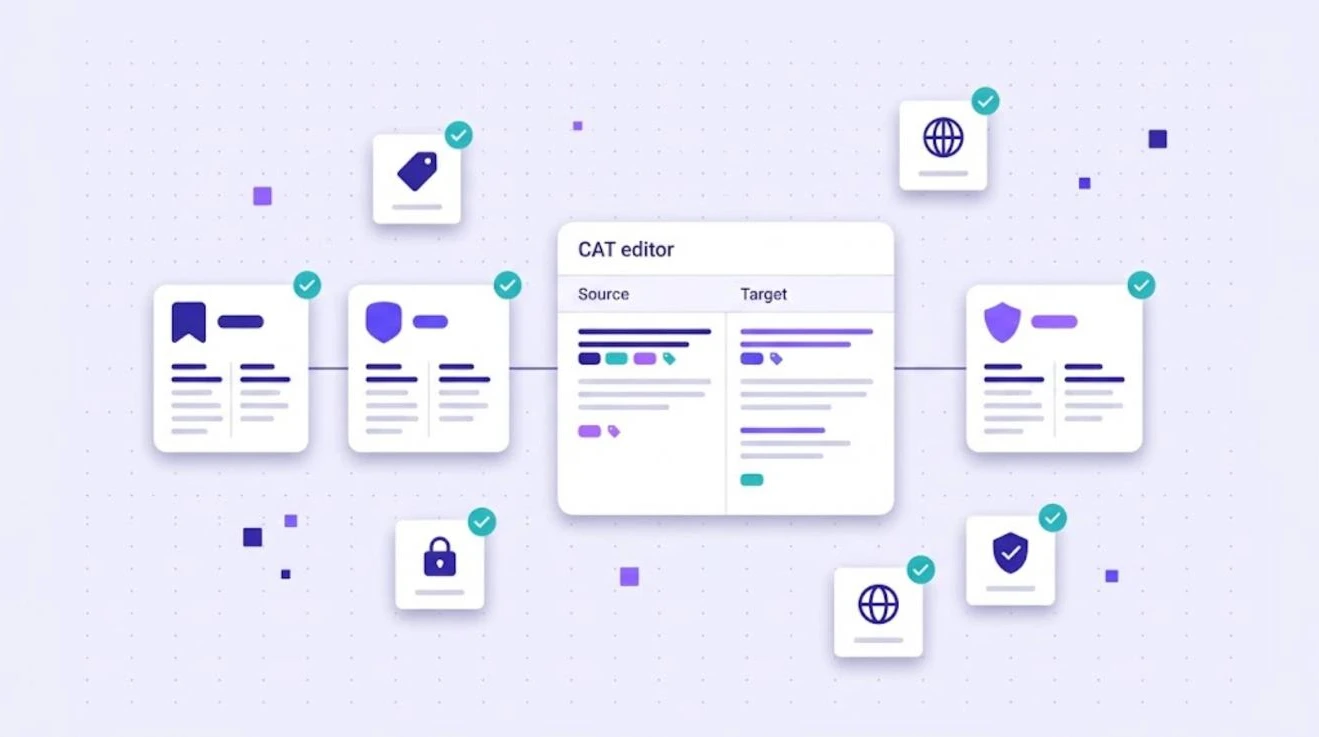
Freelance translators and agencies receive files from many different tools. One client works in Trados, another in memoQ, a third in Phrase. Each tool has its own bilingual file format, and all three are built on XLIFF. Understanding SDLXLIFF, MQXLIFF and MXLIFF files helps you accept more projects, avoid broken deliveries and choose tools that work with everyone.
A Quick Refresher: What Is XLIFF?
XLIFF (XML Localization Interchange File Format) is an open standard from OASIS for exchanging content between translation tools. It stores source and target text side by side, with formatting represented as inline tags. The current version is described in the OASIS XLIFF 2.1 specification. For the basics, read what is an XLIFF file and why it matters for CAT tools.
Most CAT tools extend XLIFF with their own elements for things like match status, comments and segment locks. That is why their files have different extensions.
SDLXLIFF: Trados Studio
SDLXLIFF is the bilingual file format of Trados Studio, now developed by RWS. When a project manager prepares a project in Trados, each source document becomes an SDLXLIFF file that the translator opens, translates and returns. The file contains the segmented source, the translation, match percentages, segment status (such as draft, translated or approved) and comments.
MQXLIFF: memoQ
MQXLIFF is the bilingual export format of memoQ. It is used when a memoQ project manager sends work to a translator who works outside the memoQ server or in another tool. Like SDLXLIFF, it keeps segment status, tags and comments so the file can be imported back into the original project.
MXLIFF: Phrase (formerly Memsource)
MXLIFF is the bilingual format of Phrase TMS, the platform previously known as Memsource. Translators can download MXLIFF files to work offline or in another CAT tool, then upload them back into Phrase.
Comparison at a Glance
| Format | Tool | Based on | Typical use |
|---|---|---|---|
| SDLXLIFF | Trados Studio | XLIFF 1.2 with extensions | Packages sent by agencies using Trados |
| MQXLIFF | memoQ | XLIFF with memoQ extensions | Bilingual exports from memoQ projects |
| MXLIFF | Phrase TMS | XLIFF with Phrase extensions | Offline work on Phrase jobs |
| XLIFF | Any standard tool | OASIS standard | Neutral exchange between tools |
How to Work Safely With Bilingual Files
- Never edit them in a text editor. A misplaced tag or character can make the file impossible to import back.
- Keep tags in the right place. Inline tags represent formatting in the original document. Missing tags cause broken layouts in the final file. AI auto tag placement helps a lot with heavily formatted content.
- Do not change the source text or segmentation unless the client allows it.
- Respect locked segments. Locked or approved segments are usually excluded from billing and should not be edited.
- Use translation memory and terminology provided by the client, and add your own translation memory for consistency across projects.
- Run QA before delivery. Check tags, numbers, terminology and empty segments.
- Return the same format. Deliver SDLXLIFF for Trados, MQXLIFF for memoQ and MXLIFF for Phrase.
Why This Matters for Freelancers and Agencies
Many translators feel they need to buy every major CAT tool to work with all clients. In practice, a tool that opens these bilingual formats and returns them correctly lets you accept work from Trados, memoQ and Phrase users without three separate licenses. If you are comparing tools, our list of the best CAT tools in 2026 is a good starting point.
Working With SDLXLIFF, MQXLIFF and MXLIFF in WordBeam
WordBeam supports SDLXLIFF, MQXLIFF, MXLIFF and standard XLIFF in its CAT editor. Upload the file from your client, translate with translation memory, term base and AI engines such as DeepL, GPT and Claude, run QA checks and export the file in its original format. Plans start at $25 per month, which makes it an affordable way for freelancers to work with clients on different platforms. See WordBeam pricing.
Frequently Asked Questions
Can I open an SDLXLIFF file without Trados?
Yes. Several CAT tools, including WordBeam, can open SDLXLIFF files and save them back in the same format.
What is the difference between XLIFF and MQXLIFF?
MQXLIFF is XLIFF with memoQ-specific extensions for status, comments and other project data. Standard XLIFF is tool-neutral.
Is MXLIFF the same as Memsource XLIFF?
Yes. Memsource was renamed Phrase, and MXLIFF remains its bilingual file format.