
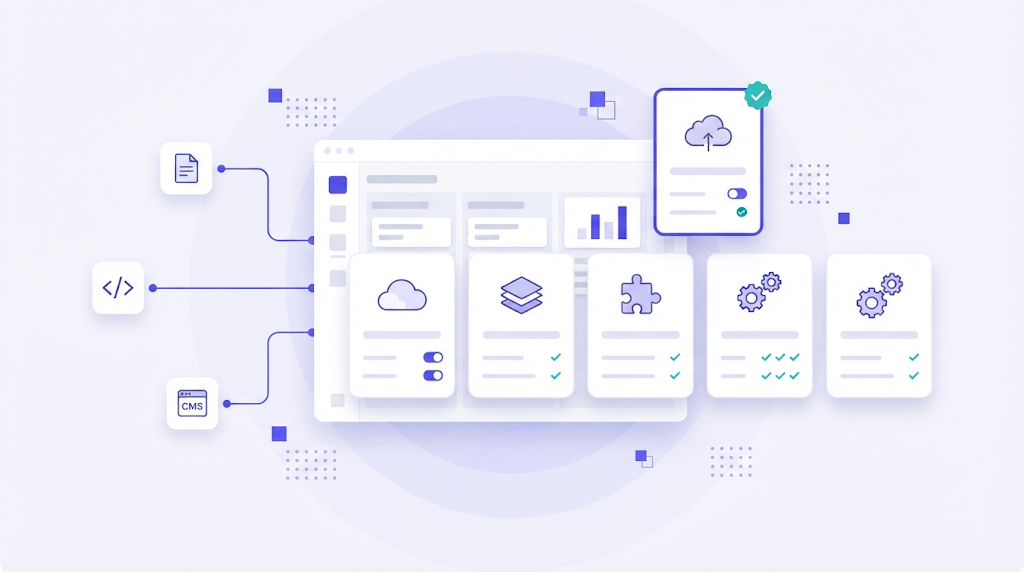
A translation management system is the place where localization actually happens. Content arrives from a CMS, a code repository or a shared drive, gets routed to translators and reviewers, passes quality checks and goes back out, ideally without anyone copying text into spreadsheets. Picking the wrong platform means months of workarounds. Picking the right one means localization becomes a background process rather than a recurring fire drill.
This comparison covers the best translation management systems in 2026, who each one is built for, and the questions to ask before you sign a contract.
What a Translation Management System Should Do
Before comparing brands, agree on the baseline. A modern TMS should cover five areas:
- Connectors to the places your content lives, such as your CMS, Git repository, design tools or help center.
- A translation editor with translation memory, glossary and machine translation suggestions.
- Workflow automation that assigns tasks, moves content between steps and notifies people without manual handoffs.
- Quality assurance with automated checks for tags, numbers, terminology and consistency.
- Reporting on costs, savings from memory reuse, turnaround time and vendor performance.
If a tool lacks one of these, you will end up building it yourself with scripts and spreadsheets. We described what that looks like in why it is time to ditch spreadsheets in your translation workflow.
The Best Translation Management Systems Compared
| Platform | Best for | Strengths | Watch out for |
|---|---|---|---|
| WordBeam | Agencies, product and localization teams | CAT editor, memory, AI engines and workflow in one cloud platform | Newer brand than legacy suites |
| Phrase | Enterprise localization programs | Broad feature set, strong automation, software and document localization | Enterprise pricing and setup effort |
| Lokalise | Product and developer teams | Developer tools, design integrations, clean UI | Less focused on document translation |
| Crowdin | Software and open source projects | Many integrations, free plan for open source | Can feel complex for non technical users |
| Smartling | Large marketing and website programs | Visual context, website translation, managed services | Priced for large budgets |
| XTM Cloud | Global enterprises | Complex workflows, enterprise connectors | Heavier implementation |
| Transifex | SaaS and web apps | Developer friendly delivery for web and mobile | Narrower focus on software |
| memoQ TMS | Translation agencies | Deep CAT features, strong project management | Desktop centered workflow for many users |
| Trados Enterprise | Enterprises with existing Trados users | Large linguist ecosystem | Complexity and cost |
| Smartcat | Small and mid sized companies | Free entry plan, AI translation, vendor payments | Less configurable for advanced teams |
WordBeam
WordBeam is a cloud translation management system built to keep the whole localization cycle in one place. Projects, a browser based CAT editor, shared translation memory, glossaries, AI translation engines and QA checks work together, so a translator, a reviewer and a project manager see the same live data. Workflow automation moves content between steps without email, and the platform supports both document projects and software strings. It is a good fit for agencies and in house teams who want enterprise style control without enterprise style complexity. Plans are listed on the pricing page.
Phrase
Phrase brings together Phrase TMS, formerly Memsource, and Phrase Strings for software localization. It is one of the most complete platforms on the market, with strong machine translation management and automation. That breadth comes with enterprise pricing and a setup effort that smaller teams may not need.
Lokalise
Lokalise is popular with product teams that localize apps and websites continuously. It offers a command line tool, API, SDKs and integrations with design tools, so designers, developers and translators can collaborate around the same keys. It is less oriented toward agencies translating contracts or manuals.
Crowdin
Crowdin focuses on software localization and has a large library of integrations with repositories, frameworks and content tools. Open source projects can apply for free use, which has made it widespread in the developer community. Non technical stakeholders sometimes need time to find their way around.
Smartling
Smartling serves large brands that translate websites, marketing content and product experiences at scale. Its strengths include visual context for translators and options to buy translation services through the platform. Expect a sales led process and pricing aimed at substantial volumes.
XTM Cloud
XTM Cloud targets global enterprises that need configurable, multi step workflows and connectors into enterprise systems. It is powerful but typically requires a structured implementation project.
Transifex
Transifex is aimed at SaaS companies and digital products, with tools that let developers push and pull content and deliver translations to web and mobile apps. Its focus on software makes it less natural for document heavy work.
memoQ TMS and Trados Enterprise
Both come from the world of professional translation. They offer excellent CAT capabilities and are familiar to many freelance linguists, which helps agencies recruit. The trade off is complexity and, in many setups, reliance on desktop software. If you are evaluating editors specifically, our comparison of the best CAT tools goes deeper.
Smartcat
Smartcat combines a browser editor, AI translation and a marketplace of linguists with built in payments. It is an accessible choice for companies starting out, though advanced teams may find workflows and reporting less flexible.
How to Choose a TMS: Seven Questions
- Where does your content live? List every source, then check for native connectors, not just an API.
- Who does the translation? In house linguists, freelancers, an agency or a mix. Check how easy it is to invite and manage each group.
- Documents, software or both? Many platforms are strong in one and weak in the other.
- How will you use AI? Look for a choice of engines and a clear post editing workflow rather than a single locked model.
- What will memory reuse save? Ask for match analysis on a real file set and compare it to your current spend.
- Is your data portable? Confirm TMX and TBX export and clear terms on data ownership and model training.
- What is the true cost? Include seats, word volume limits, connectors, onboarding and the hours your team spends on admin.
Cloud vs Self Hosted
Almost every platform in this list is cloud based, and for good reason: no servers to maintain, instant collaboration and automatic updates. Some organizations with strict data rules still consider self hosted or open source options. We compared both approaches in open source vs cloud based TMS.
Frequently Asked Questions
What is the difference between a TMS and a CAT tool?
A CAT tool is the editor where translators work segment by segment. A TMS manages the whole process around it: projects, people, files, automation and reporting. Many modern platforms, including WordBeam, include both.
Do small teams need a translation management system?
If you translate regularly into more than one language, yes. Even a small team saves time once memory, glossary and handoffs are centralized.
How long does it take to switch TMS?
With clean TMX and glossary exports, a basic migration can take days rather than months. The longer part is usually reconnecting content sources and retraining people.
The best translation management system is the one your translators, developers and managers will actually use every day. Shortlist two or three platforms, run the same real project through each, and compare the results rather than the feature lists.