
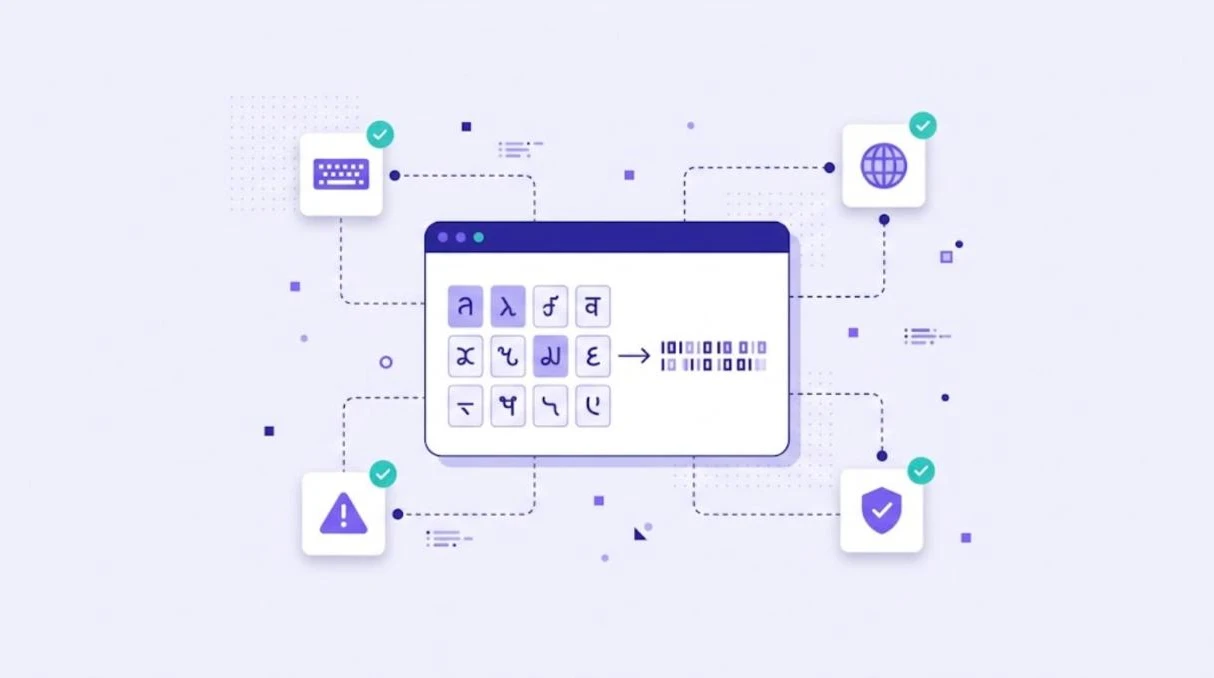
Character encoding is the system a computer uses to turn text into numbers and back again. For localization, the answer is almost always UTF-8, an encoding of Unicode that can represent every character in every modern language. When encoding goes wrong, users see broken text such as "é" instead of "é". This guide explains character encoding in plain terms and how to avoid encoding problems in translation projects.
What Is Character Encoding?
Every letter, number and symbol you see on screen is stored as a number. A character set defines which characters exist, and an encoding defines how those characters are stored as bytes. The W3C gives a clear introduction in character encodings for beginners.
ASCII, Unicode and UTF-8 Explained
| Encoding | What it covers | Use today |
|---|---|---|
| ASCII | 128 characters: basic English letters, numbers and symbols | Legacy, still a subset of UTF-8 |
| ISO-8859-1 / Windows-1252 | Western European languages | Legacy files and old systems |
| Unicode | A universal character set for virtually all writing systems | The standard character set |
| UTF-8 | Variable-length encoding of Unicode, one to four bytes per character | Default for the web and most software |
| UTF-16 | Unicode with two or four bytes per character | Used internally by some platforms |
UTF-8 is defined in RFC 3629. It is backward compatible with ASCII and is the dominant encoding on the web.
Why Encoding Matters in Localization
English often works even with the wrong encoding, because it uses only basic characters. Problems appear as soon as you add accented letters, Cyrillic, Greek, Arabic, Chinese, Japanese or emoji. A file saved in the wrong encoding can turn every special character into garbage, a problem known as mojibake.
Common Encoding Problems
- Mojibake: text like "Café" because UTF-8 was read as Windows-1252.
- Question marks or boxes: characters replaced because the encoding or font cannot show them.
- Byte order mark (BOM) issues: invisible characters at the start of a file that break some parsers.
- CSV files from Excel saved in a regional encoding instead of UTF-8.
- Database columns that cannot store four-byte characters such as emoji.
Encoding Best Practices for Translation Projects
- Use UTF-8 everywhere: source files, databases, APIs and web pages.
- Declare the encoding in HTML (
<meta charset="utf-8">), XML declarations and HTTP headers. - Export spreadsheets carefully. Choose "CSV UTF-8" when saving from Excel. Our guide to translating CSV, TSV and XLSX files covers this in detail.
- Test with real characters from every target language, including right-to-left scripts.
- Check fonts support all the characters you need.
- Validate files before and after translation so encoding errors are caught early.
Encoding is part of internationalization, the groundwork that makes localization possible. Read internationalization vs localization for more.
Encoding and File Formats
Most localization formats, including JSON, XLIFF, PO and XML, are expected to use UTF-8. Keeping that consistent across your pipeline prevents most encoding issues. If you translate data in XML, see our guide to XML translation.
How WordBeam Handles Encoding
WordBeam works with Unicode text across 150+ languages, so translators can work in Arabic, Chinese, Cyrillic and every other script in the same CAT editor. Supported formats such as JSON, XLIFF, PO, CSV and XLSX are processed with their structure protected, and QA checks help catch broken characters before export. It is a safe base for software localization.
Frequently Asked Questions
What is the best character encoding?
UTF-8. It supports every modern language, is compatible with ASCII and is the standard for the web.
What is the difference between Unicode and UTF-8?
Unicode is the set of characters and their code points. UTF-8 is one way of encoding those code points as bytes.
How do I fix mojibake?
Find where the text was read with the wrong encoding, convert the file to UTF-8 from its original encoding and make sure every system in the chain declares UTF-8.