
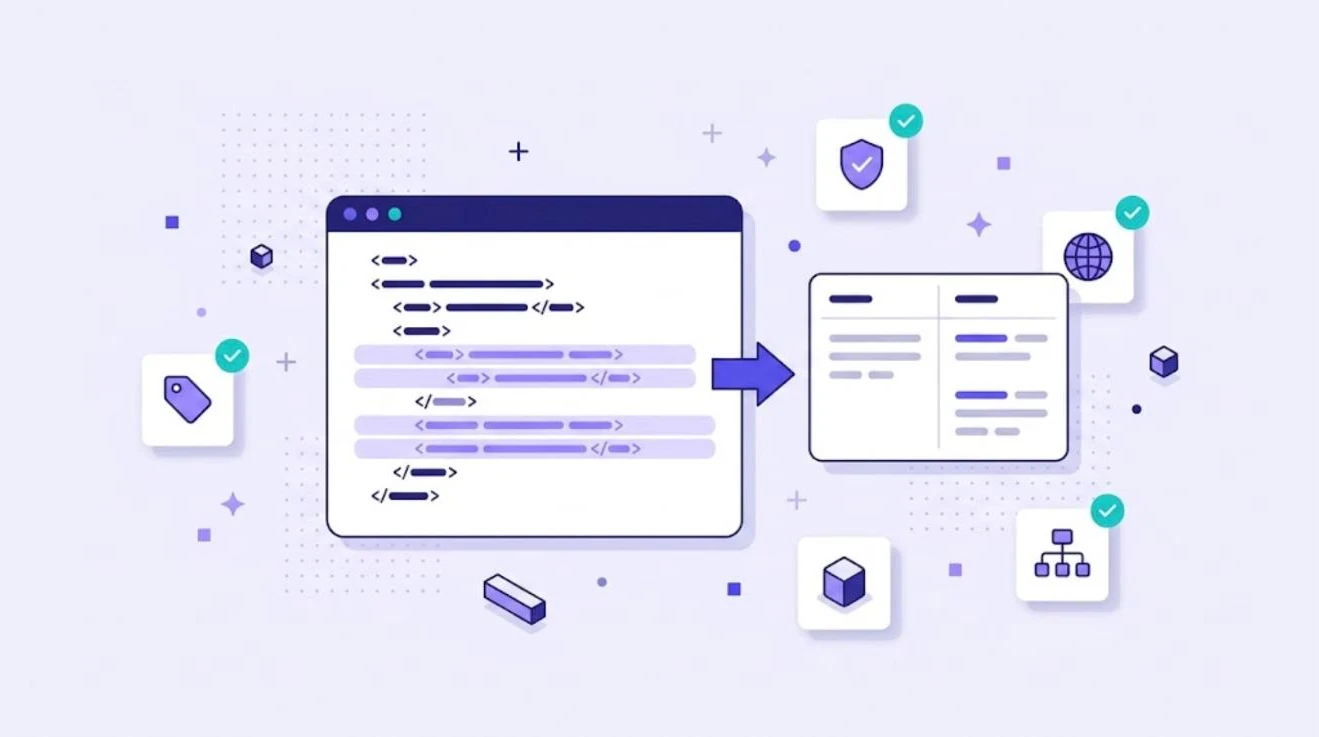
XML is everywhere in localization. Product catalogs, help systems, software resources, e-learning packages and many CMS exports are stored as XML. Translating XML looks simple because the text is right there between the tags, but editing it by hand is one of the fastest ways to break a file. This guide explains how XML translation works and how to do it safely.
What Is XML Translation?
XML translation means translating the human-readable text inside an XML file while leaving the structure, element names, attributes and code untouched. The translated file must still be valid XML and must still work in the system that reads it, whether that is a website, an app or a documentation platform.
Why XML Files Need Special Care
- Not all text should be translated. IDs, file paths, product codes and technical values often sit right next to translatable content.
- Attributes may or may not be translatable. A
titleoraltattribute usually is; anidorhrefis not. - Special characters must be escaped. Characters such as
&,<and quotes break the file if they are typed incorrectly. - Inline elements carry formatting. Tags for bold text, links or variables inside a sentence must stay in place.
- CDATA sections may contain HTML that also needs careful handling.
- Encoding matters. Files should be saved as UTF-8 so every language displays correctly.
Tell Tools What to Translate
The best XML translation projects start with clear rules about which elements and attributes are translatable. The W3C Internationalization Tag Set (ITS 2.0) provides a standard way to mark this, for example with a translate="no" rule for elements that must stay in the source language. Many CAT tools also let you define these rules in a file filter.
How to Translate an XML File Step by Step
- Validate the source file. Make sure it is well-formed before translation starts. Broken source files cause broken translations.
- Define translatable content. List the elements and attributes to translate and those to protect.
- Convert to a translation-ready format. Many teams convert XML to XLIFF, which separates translatable text from structure. Read what is an XLIFF file for background.
- Translate in a CAT tool. Inline elements appear as protected tags, and translation memory reuses repeated content such as product descriptions.
- Run QA. Check tags, numbers, terminology and character limits.
- Rebuild and validate. Convert back to XML and validate the result against the schema before importing it into your system.
- Test in context. Load the translated file in the app, website or help system and check how it looks.
Common XML Formats in Localization
| Format | Where it is used |
|---|---|
| XLIFF, SDLXLIFF, MQXLIFF | Exchange between translation tools |
| Android strings.xml | Android app resources |
| RESX | .NET applications |
| DITA and DocBook | Technical documentation |
| IDML (zipped XML) | Adobe InDesign layouts |
| Custom XML exports | CMS, PIM and e-commerce catalogs |
Several of these have their own guides on our blog, including Android localization, RESX files in .NET and IDML translation.
Common XML Translation Mistakes
- Translating element names or attribute values that are used by code.
- Typing a raw ampersand or angle bracket instead of an escaped character.
- Deleting or moving inline tags, which breaks formatting or links.
- Saving the file in the wrong encoding.
- Skipping validation and finding errors only after import.
How WordBeam Helps
WordBeam works with XML-based localization formats such as XLIFF, SDLXLIFF, MQXLIFF, MXLIFF and IDML. For custom XML, teams convert the file to XLIFF, translate it in the CAT editor with tags protected and AI auto tag placement, apply translation memory and terminology, pre-translate with AI and run QA before converting back. It is a safe workflow for software localization and documentation alike.
Frequently Asked Questions
Can I translate an XML file in a text editor?
You can, but it is risky. One wrong character can make the file invalid. A CAT tool protects the structure and lets translators focus on text.
Should attributes be translated?
Some should, such as titles and alternative text. Others, like IDs and links, must not. Define the rules before translation starts.
What is the best format to translate XML content?
Converting to XLIFF is the most common approach, because it separates translatable text from structure and works with almost every translation tool.