
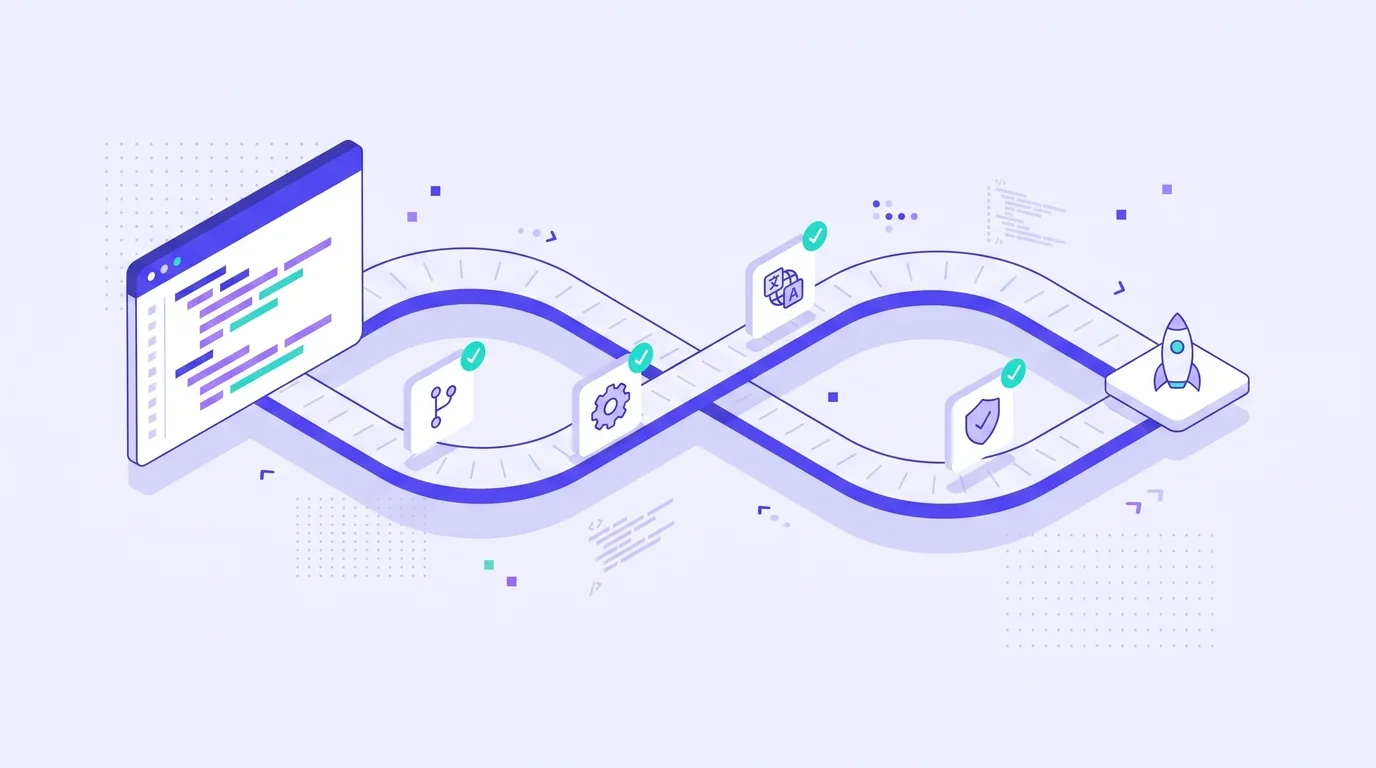
Many product teams can deploy code several times a day, yet translations still arrive weeks later in a zip file. The result is familiar: new features launch in English only, other languages fall behind, and the localization team spends every release chasing changed strings. Continuous localization fixes this by making translation part of the same pipeline as code.
What Is Continuous Localization?
Continuous localization is an approach where new and changed content is sent for translation automatically as soon as it appears, and translations flow back into the product without manual handoffs. Instead of translating a big batch at the end of a release, you translate small pieces all the time.
It is the localization version of continuous integration and continuous delivery (CI/CD). Developers keep committing, translators keep translating, and each deploy ships with whatever translations are ready.
Waterfall vs Continuous Localization
| Waterfall localization | Continuous localization | |
|---|---|---|
| When translation starts | After the feature is finished | As soon as strings are committed |
| Batch size | Large files, many strings | Small, frequent updates |
| File handling | Manual export and import | Automated sync with the repository |
| Time to market in other languages | Weeks after launch | Same day or next release |
| Risk of missing strings | High | Low |
How a Continuous Localization Pipeline Works
- Developers commit source strings. New keys are added to resource files such as JSON, PO, XLIFF or strings.xml.
- The TMS detects changes. An integration with GitHub or GitLab, or a webhook, pulls new and modified strings automatically.
- Pre-translation runs. Translation memory matches are applied first, then machine translation or an LLM fills the rest.
- People review what matters. Translators and reviewers receive tasks automatically, with screenshots and context where possible.
- Automated QA checks the output. Placeholders, tags, length limits and glossary terms are verified.
- Translations are pushed back. The TMS opens a pull request or commits approved files to the right branch.
- The product ships. Missing translations fall back to the source language until they are ready, so a release is never blocked.
Most of these steps are about moving files and triggering tasks, which is why translation automation is the backbone of any continuous setup.
What You Need Before You Start
Internationalized code
Continuous localization only works if strings are already separated from code and your app handles plurals, dates, numbers and text direction correctly. If that groundwork is not done, start with our guide to internationalization vs localization. The Unicode CLDR project is also the standard reference for locale data such as plural rules and date formats.
Stable keys and good context
Use descriptive keys such as checkout.button.pay rather than btn_17, and add comments that explain where and how each string is used. Context is the single biggest factor in translation quality for UI text.
A clear branching strategy
Decide whether translators work on the main branch only or on feature branches too. Translating feature branches gives you translations at launch, but can waste effort on strings that change before release.
A fallback policy
Agree in advance what users see when a translation is missing. Falling back to English is common; for some markets, holding a feature until it is translated may be better.
Best Practices for Continuous Localization
- Freeze strings, not releases. Ask developers to finalize copy early so translators are not chasing moving text.
- Use translation memory aggressively. Small daily updates often contain repeated phrases. TM keeps them consistent and cheap.
- Let AI handle the first pass. Pre-translation keeps the pipeline moving; reviewers focus on high-visibility screens.
- Automate QA in the pipeline. A broken placeholder should fail a check, not a production build.
- Review in context. Screenshots, staging links or design tool previews help reviewers catch truncation and meaning issues.
- Track translation coverage. Monitor what percentage of strings is translated per language per release.
Common Problems and How to Avoid Them
The most common problem is noise. If every typo fix in the source triggers new tasks in 20 languages, translators get overloaded. Group small changes, and let translation memory handle minor edits automatically. The second problem is merge conflicts when translations and code change in the same files; dedicated localization branches or pull requests from the TMS solve most of these. The third is file format issues, such as broken JSON. Our article on how to translate a JSON file without breaking your keys covers the usual pitfalls.
Continuous Localization With WordBeam
WordBeam supports software localization with GitHub and GitLab integrations, branching, pre-translation on load and automated workflows on the Studio plan. Strings arrive in the CAT editor with translation memory and AI suggestions already applied, QA runs on every segment, and approved translations go back to your repository. For interface text specifically, see how WordBeam handles UI translations.
Frequently Asked Questions
Is continuous localization only for large companies?
No. Small teams often benefit most, because they cannot afford a person whose job is moving files between developers and translators.
Does continuous localization mean using only machine translation?
No. Machine translation speeds up the first pass, but human review is still part of the pipeline, especially for customer-facing screens.
Which file formats work best?
Key-based formats such as JSON, PO, XLIFF, Android XML and iOS strings files work well because each string has a stable identifier the TMS can track.