
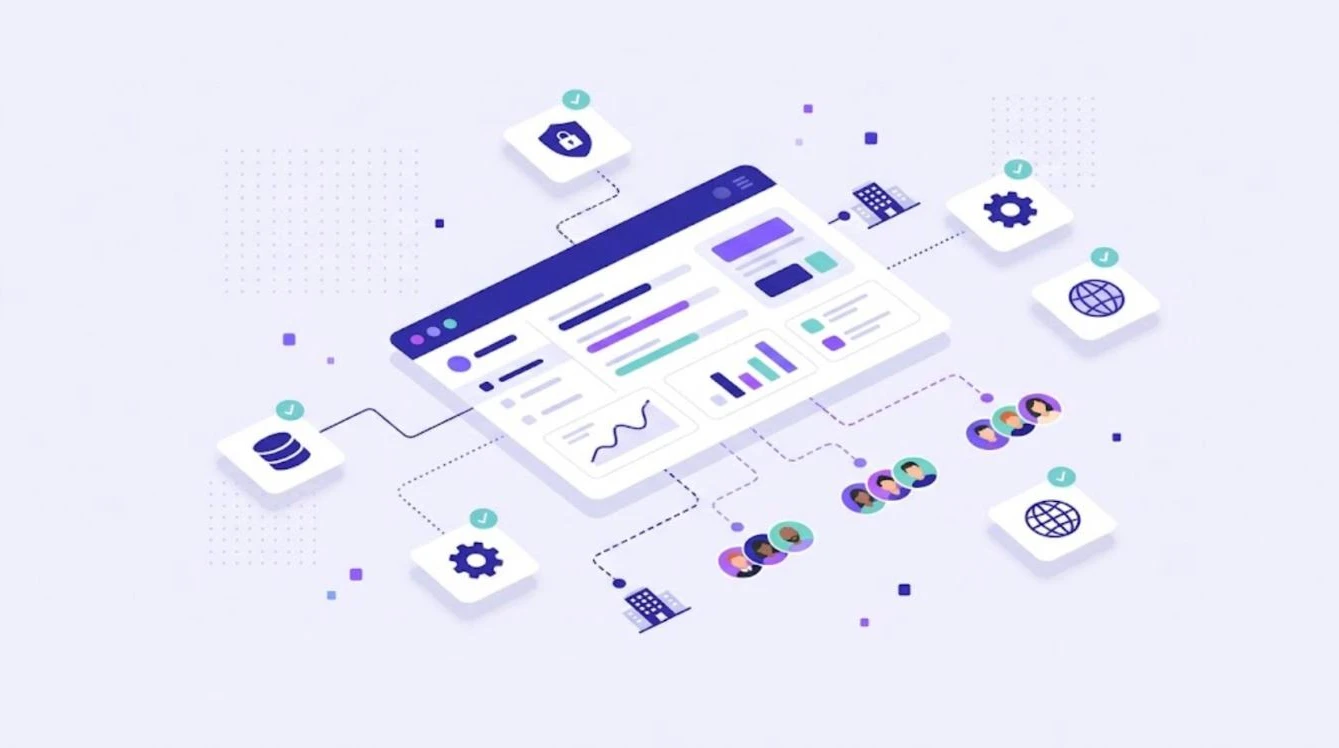
An enterprise translation management system (TMS) is a central platform where large organizations manage all translation and localization work: content intake, translation memory, terminology, AI and machine translation, linguists, quality checks, integrations and reporting. It replaces scattered files, emails and spreadsheets with one controlled workflow that scales across many languages, teams and products. This guide explains what makes a TMS enterprise-ready, which features matter most and how to choose the right platform.
Why Enterprises Need a Translation Management System
Large companies translate product interfaces, websites, help centers, marketing campaigns, legal documents and training content, often into 20 or more languages. Without a central system, each department buys translation separately, the same sentences are paid for many times, and terminology differs from one channel to the next. Customers notice: a CSA Research survey found that 76% of online shoppers prefer to buy products with information in their own language.
What Makes a TMS Enterprise-Ready
| Requirement | Why it matters |
|---|---|
| Central translation memory and term base | Every team reuses approved translations and the same terminology |
| Multiple AI and MT engines | Choose the best engine per language pair and content type |
| Roles and permissions | Control who can translate, review, approve and manage projects |
| Integrations | Connect code repositories, design tools and content systems |
| Workflow automation | Remove manual file handling and speed up releases |
| Quality management | Automated QA plus LQA scoring to measure quality over time |
| Wide file format support | Handle documents, software strings, subtitles and bilingual files |
| Reporting | Track volume, cost, turnaround and quality per language |
Key Enterprise TMS Features Explained
Translation Memory and Terminology
A shared translation memory stores every approved translation, so repeated content is never translated twice. A term base makes sure product names and key terms are used the same way in every language, by every linguist and every AI engine.
AI and Machine Translation
Enterprises translate high volumes, so AI pre-translation is essential. A modern TMS lets you use several AI translation engines, such as DeepL, GPT, Claude and Grok, and choose the best one for each language and domain, guided by your translation memory and glossary.
Integrations and Automation
Content should flow into the TMS automatically from code repositories and design tools, and translations should flow back without manual work. Read our guide to continuous localization to see how this works in practice.
Quality Management
Automated QA checks catch missing numbers, broken tags and terminology errors on every segment. On top of that, structured scoring, as described in our guide to linguistic quality assurance, shows how quality develops by language, vendor and engine.
How to Choose an Enterprise Translation Management System
- Map your content. List content types, file formats, systems and languages.
- Define workflows. Decide which content needs human review and which can use light post-editing.
- Check integrations. Confirm the TMS connects with the tools your teams already use.
- Test with real files. Run a pilot with your most complex documents and software strings.
- Review security and access control. Make sure roles and permissions match your organization.
- Compare total cost. Include licenses, AI usage, translation savings from memory reuse and time saved.
For a broader overview of the market, see our guide to the best translation management systems.
Common Mistakes When Rolling Out a TMS
- Migrating without cleaning old translation memories and glossaries.
- Letting each department keep its own tools and vendors.
- Choosing a platform that cannot handle all your file formats.
- Skipping training for project managers and reviewers.
- Measuring only cost, not quality and speed.
WordBeam for Enterprise Localization
WordBeam is a cloud translation management system with a professional CAT editor, translation memory, term bases, QA checks and built-in AI engines including DeepL, GPT, Claude and Grok. It supports documents, software strings, subtitles and bilingual files such as XLIFF, SDLXLIFF, MQXLIFF and MXLIFF. The Studio plan adds GitHub, GitLab and Figma integrations, branching and LQA scorecards, and the Customized plan is built around larger organizations. See all options on WordBeam pricing or start a free 14-day trial with 10,000 words.
Frequently Asked Questions
What is the difference between a TMS and a CAT tool?
A CAT tool is the editor where translators work. A TMS manages the whole process around it, including projects, people, assets, automation and reporting. Many modern platforms, including WordBeam, combine both.
Do enterprises still need human translators with an AI-powered TMS?
Yes. AI produces fast first drafts, but customer-facing, legal and regulated content still needs human review.
How long does it take to implement an enterprise TMS?
A cloud TMS can be running in days. Full rollout, including integrations, migration of language assets and training, usually takes a few weeks.