
Players notice bad localization instantly. A joke that falls flat, a menu button cut in half, a quest item called three different names, or subtitles that run ahead of the voice acting. These details pull people out of the experience and show up quickly in reviews. Good localization, on the other hand, is invisible. Players simply feel that the game was made for them.
This guide explains how game localization works, what affects the cost, and the mistakes studios make most often, whether you are an indie team shipping your first title or a publisher managing a live service game.
What Is Game Localization?
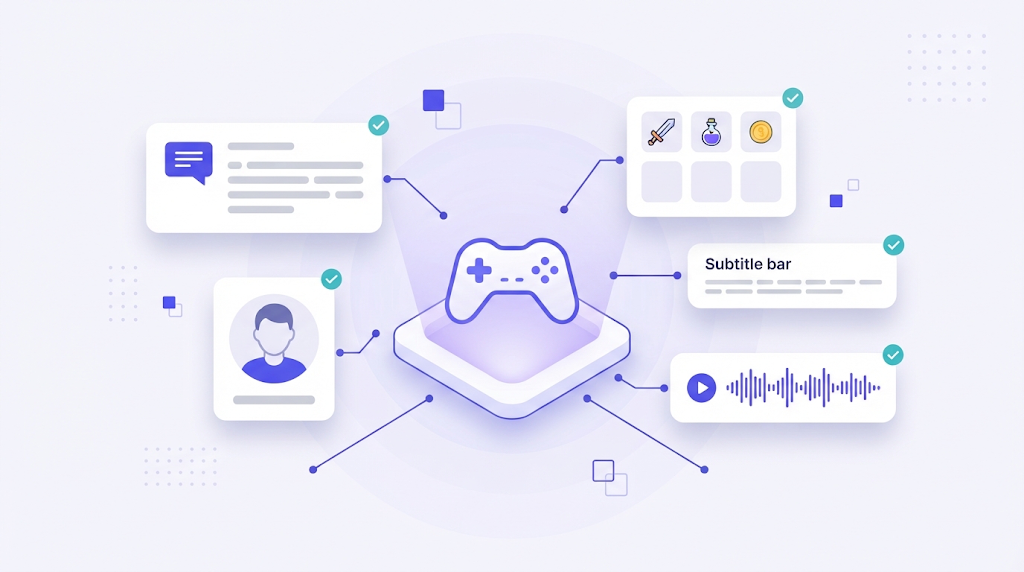
Game localization is the process of adapting a video game for players in other languages and markets. It covers far more than translating text. Depending on the game, it can include user interface strings, dialogue, item and skill names, tutorials, subtitles, voice over, store pages, marketing assets, legal text and culturally sensitive content such as symbols, gestures, colors or historical references.
What Gets Localized
| Asset | What to watch |
|---|---|
| UI and menus | Character limits, font support, text expansion |
| Dialogue and narrative | Character voice, humor, wordplay, consistency of names |
| Items, skills, lore | Terminology that must match across the whole game |
| Subtitles and voice over | Timing, lip sync, reading speed, casting |
| Store page and marketing | Local keywords, screenshots, trailers |
| Legal and ratings | Privacy text, age rating requirements, content restrictions |
The Game Localization Process
- Internationalize the build. Externalize all strings, support Unicode fonts, allow for longer text and right to left scripts, and avoid text baked into textures. This step is the foundation, and our article on internationalization vs localization explains why.
- Prepare a localization kit. Include a game overview, character descriptions, tone of voice, a glossary of names and terms, screenshots, and character limits per string.
- Export strings. Common formats include spreadsheets, JSON, XML, PO files and engine specific formats. Give every string a unique key and context.
- Translate and adapt. Specialized game translators adapt humor, references and character voice, while a shared glossary keeps names consistent.
- Record voice over, if needed. Scripts are adapted for timing and lip sync, then cast and recorded per language.
- Integrate and build. Import translated strings and assets into a localized build.
- Linguistic quality assurance (LQA). Testers play the localized build to find truncated text, overlaps, wrong context, untranslated strings and cultural issues.
- Update continuously. Patches, events and DLC bring new strings that must flow through the same process.
What Drives Game Localization Costs
- Word count. Narrative heavy games can contain hundreds of thousands of words, while a puzzle game may have only a few thousand.
- Number of languages. Each language multiplies translation, LQA and project management.
- Voice over. Recording, casting and studio time are often the largest single cost.
- Creative complexity. Wordplay, poetry and humor need more time than UI strings.
- Testing scope. Full playthroughs in every language take significant time.
- Reuse. Translation memory lowers costs for sequels, updates and repeated strings. See our guide to translation memory software for how matches affect pricing.
Many studios start with a core set of widely played languages and expand based on wishlist data, sales and community demand.
Common Game Localization Mistakes
- No context for translators. A single word like "Fire" can be a verb, a noun or a spell name. Without context, translators guess.
- Hard coded text and concatenated strings. Building sentences from fragments breaks grammar in most languages.
- Ignoring text expansion. German and French text is often noticeably longer than English and overflows fixed width buttons.
- Inconsistent terminology. An item with three different names confuses players and breaks quests.
- Skipping LQA. Many issues are only visible in the running game.
- Localizing too late. Starting after content lock leaves no time to fix problems before launch.
Tools That Help
Managing game strings in spreadsheets works for small projects but breaks down quickly with multiple languages and frequent updates. A translation platform designed for software localization keeps keys, context and screenshots together, enforces the glossary, reuses translation memory across updates and lets you connect AI translation for first drafts while translators focus on creative work. UI translation features with context help translators respect character limits from the start.
Frequently Asked Questions
Which languages should an indie game localize first?
Look at your wishlist and sales data by region, then prioritize the languages with the largest share of potential players. Many indie studios start with a handful of major languages and expand after launch.
Is machine translation good enough for games?
It can speed up drafts for UI and repetitive text, but dialogue, humor and lore need human translators and testers. Players are quick to spot unnatural writing.
When should game localization start?
Plan it during development. Internationalize early, build the glossary as you design, and start translating once text is stable enough to avoid constant rework.
Great game localization is planned, not patched in at the end. Prepare your build, give translators context, keep terminology consistent and test in every language, and players around the world will feel at home in your game.