
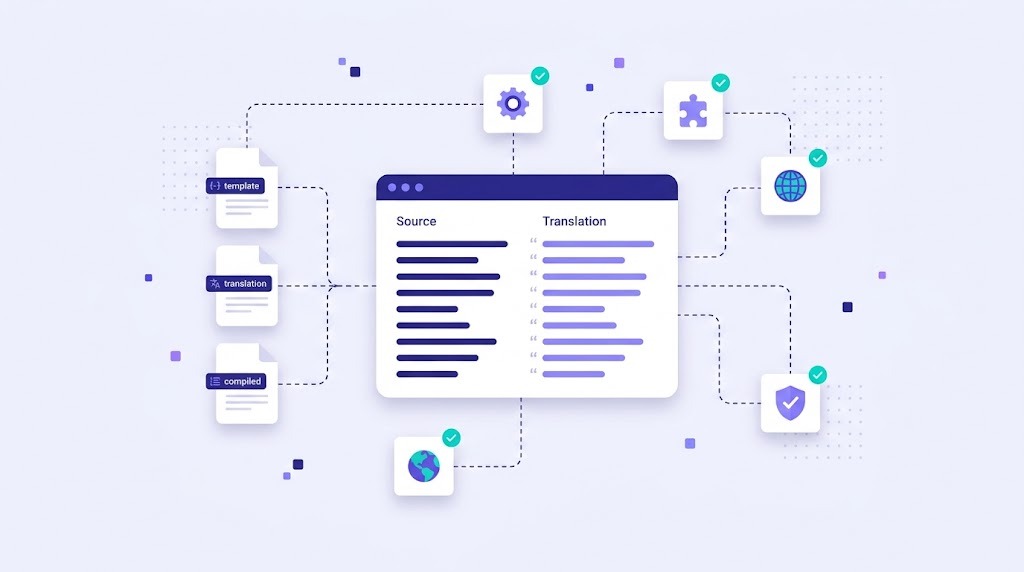
If you have ever localized a WordPress theme, a Python app or a PHP project, you have probably met a file ending in .po. PO files are one of the oldest and most widely used formats for software translation. They are simple text files, but they have a few rules that are easy to break. This guide explains what a PO file is, how it is structured and how to translate one safely.
What Is a PO File?
A PO (Portable Object) file stores translatable strings and their translations for one language. It belongs to GNU gettext, a localization system used by many open-source projects, WordPress, Django and countless Linux applications. The GNU gettext manual is the official reference for the format.
Three related file types work together:
- POT (Portable Object Template): the source template generated from the code, with all original strings and empty translations.
- PO: a copy of the template for one language, where translators fill in the translations.
- MO (Machine Object): a compiled binary version of the PO file that the application reads at runtime. It is created with the
msgfmttool.
The Structure of a PO File
A PO file starts with a header that holds metadata such as language, encoding and plural rules. After that comes a list of entries. Each entry has:
msgid: the original text, exactly as it appears in the code.msgstr: the translation. An empty value means the string is untranslated.msgctxt(optional): context that separates identical source strings with different meanings, such as "Post" as a noun or a verb.msgid_pluralandmsgstr[0],msgstr[1]and so on: plural forms, whose number depends on the target language.- Comments:
#.for notes from developers,#:for the source code location and#,for flags such asfuzzy.
What Does "Fuzzy" Mean?
When the source text changes slightly, gettext tools can keep the old translation and mark it as fuzzy. A fuzzy translation is a suggestion, not a final answer. Most applications ignore fuzzy entries at runtime, so they must be reviewed and confirmed before release.
How to Translate a PO File Safely
- Start from the latest POT. Update existing PO files from the current template so new and changed strings are included.
- Use a proper editor, not a plain text editor. A CAT editor shows source and target side by side, protects syntax and checks placeholders.
- Keep placeholders intact. Values such as
%s,%dor%1$smust stay in the translation, though their position can move. - Fill in every plural form. Languages like Polish, Russian or Arabic need more than two forms. The header's plural rule defines how many.
- Use context and comments. Developer notes and context strings explain where text appears, which avoids many mistakes.
- Review fuzzy entries. Confirm or correct them, then remove the fuzzy flag.
- Compile and test. Generate the MO file and check the strings in the running application.
Common PO File Mistakes
| Mistake | Result |
|---|---|
Editing the msgid |
The app can no longer match the translation, so the original text appears |
| Broken quotes or escape characters | The file fails to compile |
| Missing or changed placeholders | Errors or wrong values on screen |
| Incomplete plural forms | Wrong grammar for some numbers |
| Leaving fuzzy entries | Strings appear untranslated at runtime |
PO vs JSON vs XLIFF
PO is common in open-source, PHP and Python projects. JavaScript apps more often use JSON, as explained in how to translate a JSON file. XLIFF is the standard exchange format between translation tools; see what is an XLIFF file. All three can be handled in the same translation workflow, with the same translation memory and glossary.
Translating PO Files in WordBeam
WordBeam imports PO files directly, keeps msgid values and syntax safe, and shows translators only the text they need to translate. Translation memory reuses earlier translations across releases, AI engines can pre-translate new strings, and QA checks catch broken placeholders before export. It fits naturally into software localization projects for WordPress, Django, PHP and other gettext-based apps.
Frequently Asked Questions
How do I open a PO file?
Any text editor can open it, but a dedicated PO editor or CAT tool is safer because it protects the syntax and shows source and translation side by side.
What is the difference between PO and MO files?
PO files are human-readable and are what translators edit. MO files are compiled binary versions that the application loads at runtime.
Can I use machine translation for PO files?
Yes, as long as placeholders and plural forms are protected and a person reviews the result, especially for user-facing text.