
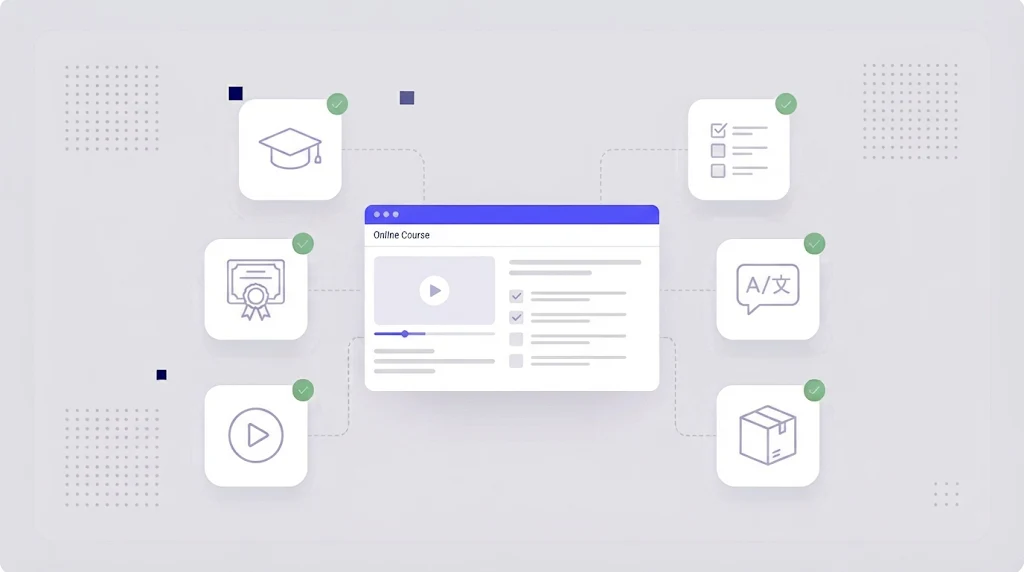
Global companies train employees, partners and customers in dozens of countries, and online learning has become the default way to do it. But a compliance course that only exists in English leaves many learners behind, and a poorly translated one can be worse than none at all. eLearning localization makes training effective in every language, so learners understand, remember and apply what they learn.
What Is eLearning Localization?
eLearning localization is the process of adapting online courses, training modules and learning content for learners in other languages and cultures. It includes translating on-screen text, narration, subtitles, quizzes and documents, but also adapting examples, images, names, units, legal references and cultural context so the course feels relevant to each audience.
eLearning translation converts the words. eLearning localization makes sure the learning still works. The difference matters most in soft skills, compliance and safety training, where examples and scenarios must reflect local reality.
What Needs to Be Localized in a Course?
- Slide and screen text, buttons and navigation labels.
- Narration scripts, voice-over and video subtitles.
- Quizzes, answer feedback and assessments.
- Images, icons and screenshots containing text or culturally specific content.
- Scenarios, character names and examples.
- Downloadable PDFs, job aids and handouts.
- Course metadata and LMS descriptions.
- Dates, numbers, currencies, units and regulatory references.
Translating Authoring Tool Content
Most corporate courses are built in authoring tools such as Articulate Storyline and Rise or Adobe Captivate and published as SCORM or xAPI packages. These tools can export course text for translation, commonly as XLIFF or Word files, and import the translated file back into a copy of the course. That is far more reliable than retyping text into each slide.
- Duplicate the source course for each language.
- Export the translatable text as XLIFF (preferred) or DOCX.
- Translate the file in a translation management system with translation memory and a glossary.
- Import the translation back into the course copy.
- Fix layout where longer text overflows text boxes and buttons.
- Replace media: localized voice-over, subtitles and images.
- Publish and test the SCORM or xAPI package in your LMS.
If your course content lives in XLIFF, our guide on XLIFF and CAT tools explains why it is the safest exchange format, and the PowerPoint translation guide helps if your training starts life as slides.
Audio, Video and Voice-Over
Narration is often the most expensive part of course localization. Options include professional voice-over, AI voices for internal or fast-changing content, or subtitles only. Translate and approve scripts before recording, keep timing in mind and use subtitle files such as SRT for video. See our articles on video localization and SRT subtitle translation for details.
Quizzes and Assessments
Assessment items need special care: a translation that makes the right answer obvious, or two answers mean the same thing, breaks the test. Have subject matter experts review quiz translations, and make sure answer randomization and scoring still work after import.
Cultural Adaptation
Scenarios built around a US office, US laws or local holidays may confuse or alienate learners elsewhere. Adapt names, settings, examples and humour, and check that images show diverse, locally relevant people and environments. For compliance training, verify that legal references match each country's regulations.
Keeping Costs Under Control
- Design for localization: leave space for text expansion, avoid text in images, use consistent terminology.
- Reuse translations: training libraries repeat instructions, navigation and policy language; memory pays off quickly.
- Use AI where appropriate: an AI translation engine can draft internal or frequently updated modules, with human review for compliance content.
- Translate updates, not whole courses: when a module changes, only the changed segments should be retranslated.
- Automate handoffs with workflow automation instead of emailing files between designers, translators and reviewers.
Quality Assurance for Localized Courses
Run automated QA checks on the translated text for terminology, numbers and missing content, then do a functional review in the LMS: navigation, triggers, quizzes, audio sync and completion tracking. A native speaking reviewer should take the course as a learner would.
How WordBeam Helps L&D Teams
WordBeam imports XLIFF, DOCX, PPTX, SRT and other course files, protects tags and variables, and gives translators context in an online CAT editor. Shared memory and glossaries keep terminology consistent across your entire training library, and AI engines speed up first drafts. Try WordBeam free with your next course.
Frequently Asked Questions
How long does it take to localize an eLearning course?
It depends on length, media and number of languages. Text translation is usually fast; voice-over, video and layout fixes take most of the time. Planning for localization during course design shortens it considerably.
Can I translate a SCORM package directly?
It is better to export the text from the authoring tool, translate it and republish the SCORM package. Editing published SCORM files directly is error prone.
Is machine translation suitable for training content?
For internal and fast-changing content, machine translation with human review works well. Compliance, safety and customer facing training should always be reviewed by qualified linguists.