
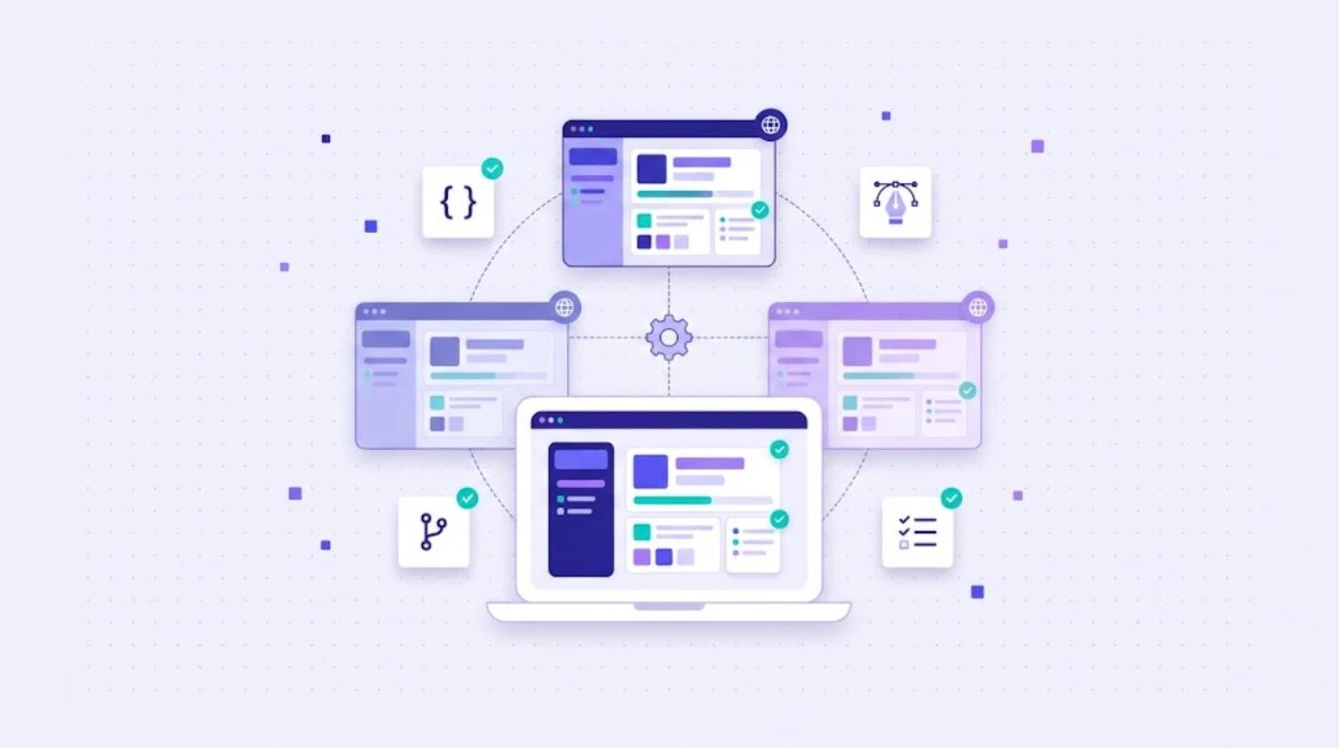
Localization software is a platform that helps companies adapt their products and content for other languages and markets by managing source text, translation memory, terminology, AI translation, review, quality checks and integrations with code and content systems. It turns localization from a manual, file-based process into a repeatable workflow. This guide explains what localization software does, the main types, the features to look for and how to choose.
What Localization Software Does
- Imports content from code, design files, documents and content systems.
- Protects code, keys, placeholders and tags during translation.
- Reuses previous translations through translation memory.
- Keeps terminology consistent with a term base.
- Pre-translates with AI and machine translation engines.
- Gives translators and reviewers an editor with context.
- Runs QA checks and exports files in the original format.
Types of Localization Software
| Type | Focus | Best for |
|---|---|---|
| CAT tools | Translator editor with memory and terminology | Freelance and agency translators |
| Translation management systems | Full workflow, people and assets | Localization teams and agencies |
| Software localization platforms | Strings, repositories, continuous releases | Product and engineering teams |
| Website translation tools | Translating web pages and CMS content | Marketing teams |
Many modern platforms combine these roles. Read what is a localization platform for more on the differences.
Features to Look For
- File format support for JSON, XLIFF, PO, documents and subtitles.
- Developer integrations with GitHub or GitLab for continuous localization.
- Design integrations so translators see context and designers see translated layouts.
- Translation memory and term base shared across projects.
- Multiple AI engines you can choose per language pair.
- QA checks for placeholders, tags, length and terminology.
- Branching so translations follow feature branches in code.
- Predictable pricing that scales with your word volume.
Localization Software for Developers
Good localization starts with internationalization: externalized strings, locale-aware formatting and plural support based on Unicode CLDR data. Once that is in place, localization software syncs resource files automatically. See our guides to what is i18n and continuous localization.
How to Choose Localization Software
- Start from your content: apps, websites, documents or all three.
- Check that every file format you use is supported.
- Test the editor with real translators and reviewers.
- Confirm integrations with your repository and design tools.
- Compare plans by word volume, seats and included AI usage.
WordBeam: Localization Software for Teams of Any Size
WordBeam combines a translation management system, a professional CAT editor and built-in AI engines including DeepL, GPT, Claude and Grok. It supports software localization with formats such as JSON, PO, XLIFF and CSV, and UI translations with context. The Studio plan adds GitHub, GitLab and Figma integrations, branching and LQA scorecards. Plans start at $25 per month; see WordBeam pricing.
Frequently Asked Questions
What is localization software?
It is software that manages the translation and adaptation of products and content for other languages and markets.
Is localization software the same as translation software?
Translation software focuses on converting text. Localization software also handles code formats, context, integrations and the full workflow.
Do small teams need localization software?
Yes, as soon as you translate regularly. It saves time from the first languages and prevents broken files.