
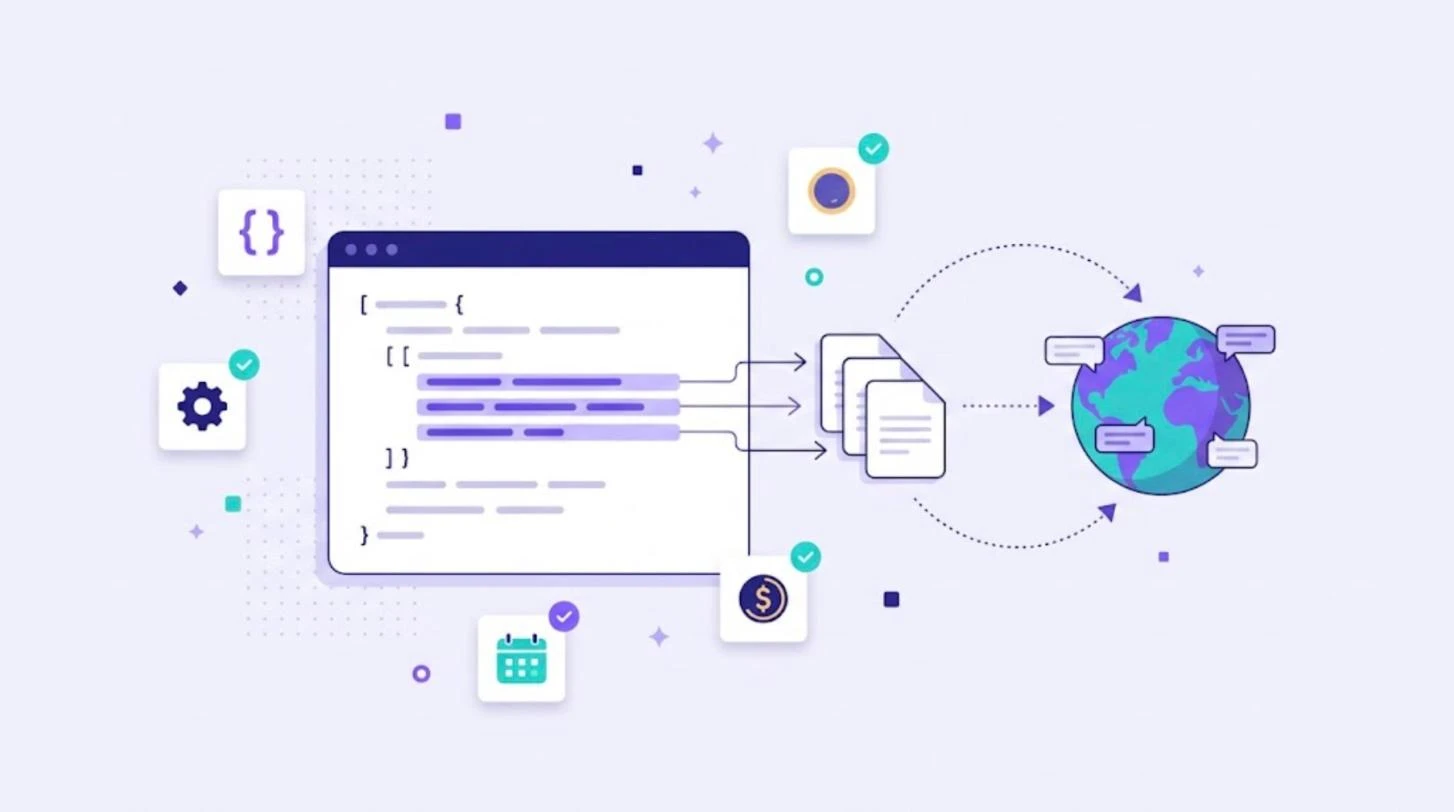
i18n is short for internationalization: the process of designing and building software so it can be adapted to any language and region without changing the code. The name is a numeronym, with 18 letters between the first "i" and the last "n". Internationalization is the technical groundwork that makes localization (L10n) possible. This guide explains what i18n means, what it includes, how it works in popular frameworks and how it connects to translation.
What Does i18n Mean?
The W3C defines internationalization as the design and development of a product, application or document content that enables easy localization for target audiences that vary in culture, region or language. You can read the full definition in the W3C article on localization vs internationalization. In short: i18n prepares the product once, so localization can happen for every new market without engineering work.
i18n vs L10n vs g11n
| Term | Stands for | What it covers | Who does it |
|---|---|---|---|
| i18n | Internationalization | Making code and design language-ready | Developers and designers |
| L10n | Localization | Adapting content and UI for a specific locale | Translators, reviewers, localization managers |
| g11n | Globalization | The overall business strategy for global markets | Leadership, product and marketing |
| T9n | Translation | Converting text from one language to another | Translators and AI engines |
For a deeper comparison, read internationalization vs localization and what is localization.
What Internationalization Includes
- Externalized strings. All user-facing text lives in resource files such as JSON, PO, XLIFF, RESX or ARB, never hard-coded in the source.
- Unicode support. UTF-8 everywhere, so every script displays correctly. See our guide to character encoding and UTF-8.
- Locale-aware formatting. Dates, times, numbers, currencies and units formatted by locale rather than by hand.
- Plurals and gender. Message formats that handle languages with several plural forms.
- Flexible layouts. Room for text expansion and support for right-to-left languages.
- Locale detection and switching. A clear way to choose and remember the user's language.
- No concatenation. Full sentences with placeholders instead of joining fragments in code.
Why i18n Matters
Fixing internationalization problems after launch is expensive. Hard-coded strings, fixed-width buttons and manual date formats must be found and rewritten in every screen. Teams that internationalize early can add a new language by translating resource files, often in days instead of months.
i18n in Popular Frameworks
- JavaScript: the built-in
IntlAPI for formatting, plus libraries such as i18next, FormatJS and vue-i18n. - Angular:
@angular/localizewith XLIFF files. See our Angular i18n guide. - Android and iOS: string resources and String Catalogs. See Android localization and iOS localization.
- Python and PHP: gettext and PO files, used by Django, WordPress and many other projects.
- .NET: RESX resource files.
Most frameworks rely on locale data from the Unicode CLDR project, which defines date formats, plural rules and other conventions for hundreds of locales.
An i18n Checklist for Developers
- Move every user-facing string into resource files with clear keys.
- Add comments or descriptions so translators understand context.
- Use placeholders and a plural-aware message format.
- Format dates, numbers and currencies with locale APIs.
- Test with pseudo-localization to find hard-coded text and truncation.
- Support right-to-left layouts if you plan to enter Arabic or Hebrew markets.
- Automate the sync of resource files with your translation platform.
From i18n to Translation With WordBeam
Once your code is internationalized, the remaining work is translation. WordBeam imports resource files such as JSON, PO, XLIFF, CSV and XLSX, protects keys and placeholders, and lets translators work with translation memory, glossaries and AI engines including DeepL, GPT, Claude and Grok. On the Studio plan, GitHub and GitLab integrations keep translations in sync with your repository. Learn more about software localization and UI translations in WordBeam, or start a free 14-day trial.
Frequently Asked Questions
Why is internationalization called i18n?
Because there are 18 letters between the first letter "i" and the last letter "n" in the word "internationalization".
Is i18n the same as translation?
No. i18n is the engineering work that makes a product ready for any language. Translation happens later, as part of localization.
When should a team start with i18n?
As early as possible, ideally before the first release. Retrofitting internationalization later costs much more time.