
Most teams start localizing with a shared spreadsheet and a few freelancers on email. It works for one language and a few hundred strings. By the third language, people are copying text between files, nobody knows which version is approved and releases wait on translations. That is usually the moment a team starts searching for a localization platform.
What Is a Localization Platform?
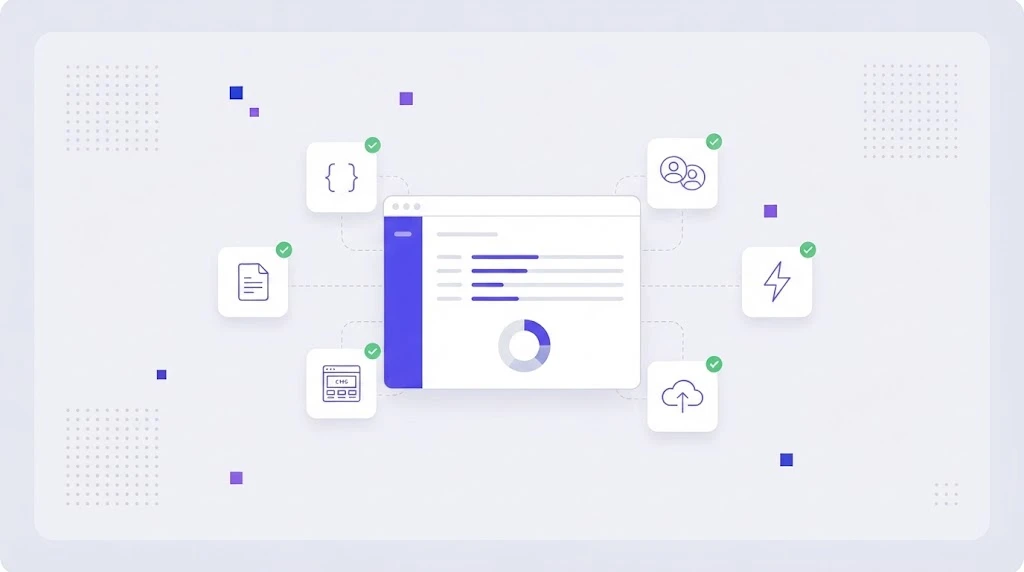
A localization platform is cloud software that manages the full process of adapting a product or content for other languages and markets. It pulls text from your apps, websites and documents, gives translators and reviewers a shared workspace, applies translation memory, machine translation and quality checks, and sends finished translations back to where they belong.
The terms localization platform, localization software and translation management system (TMS) are often used interchangeably. In practice, "localization platform" tends to describe tools built for product and engineering teams, with strong developer integrations, while classic TMS tools grew from agency and document workflows. Modern platforms cover both.
What a Localization Platform Replaces
- Spreadsheets and email threads for sending and tracking translations (we explain why in why your workflow needs to ditch spreadsheets).
- Manual copy and paste of strings between code, CMS and translators.
- Separate desktop CAT tools that each translator licenses and configures differently.
- Scattered glossaries and style guides nobody can find.
- Late, manual QA that discovers broken placeholders after release.
Core Features to Look For
File and format support
Your platform should open the files you already use: JSON, YAML, XLIFF, PO, strings.xml, String Catalogs, CSV, DOCX, HTML and more, without breaking keys, tags or placeholders.
Translation memory and glossary
Translation memory software stores every approved sentence and suggests it again, so you never pay twice for the same text. A term base and glossary keeps product names and key terms consistent across languages and translators.
Machine translation and AI
Look for a choice of engines (DeepL, Google, GPT style LLMs) rather than one locked in model, plus the ability to apply your glossary to machine output. See how this works in WordBeam AI translation engines.
An editor translators actually like
A browser based CAT editor with context, screenshots, character limits, comments and keyboard shortcuts makes linguists faster and reduces questions.
Quality assurance
Automated QA checks should catch missing placeholders, tag errors, number mismatches, length overruns and terminology violations before anything ships.
Integrations and automation
Git, CLI and API access for developers, connectors for your CMS and design tools, and webhooks. Workflow automation then routes work between machine translation, translators and reviewers without a project manager clicking every step.
Roles, reporting and cost control
Permissions per project and language, progress dashboards, and reports showing word counts, memory leverage and spend per language.
Benefits for Each Team
Developers stop editing translation files by hand and get new strings translated in the background. Product managers launch features in every language at once. Marketing localizes campaigns and landing pages without waiting in an engineering queue. Translators work with context and memory instead of raw spreadsheets. Finance sees lower cost per word as memory reuse grows. The benefits of a translation management system compound over time.
How to Choose a Localization Platform: A Checklist
- List your content types: app strings, website pages, help center, marketing assets, documents.
- Check format support with a real export from your project, not a sample file.
- Test the integrations you need on day one (repository, CMS, API).
- Bring your translators into the trial and ask them to rate the editor.
- Compare MT options and whether you can plug in your own engine or API key.
- Read the pricing model: per seat, per word, per key or per project. Model your cost at two and five times today's volume.
- Ask about migration: can you import existing TMX memories and glossaries?
- Check security: SSO, data location, access controls and backups.
If you are comparing specific vendors, our comparison of the best translation management systems and the Crowdin vs Lokalise vs WordBeam review go deeper.
How Much Does Localization Software Cost?
Entry plans for small teams usually start between 0 and 150 USD per month, while enterprise platforms commonly run into five figures per year. Seat based pricing gets expensive as you add reviewers; key based pricing grows with your product. The biggest saving is rarely the license itself, it is the translation spend you avoid through memory reuse and automation.
Why Teams Choose WordBeam
WordBeam is a localization platform for product teams, agencies and translators who want enterprise features without enterprise complexity. It combines a cloud TMS, an online CAT editor, translation memory, glossaries, multiple AI engines, AI tag placement, QA and automated workflows in one place, with support for software localization formats out of the box. Plans are transparent on the pricing page, and you can start free.
Frequently Asked Questions
Is a localization platform the same as a TMS?
Largely yes. Both manage translation projects, memory, terminology and workflow. "Localization platform" usually emphasizes developer integrations and continuous updates for software and websites.
Do small teams need a localization platform?
If you support two or more languages and ship updates regularly, yes. Even small teams save hours per release and avoid paying to retranslate the same text.
Can a localization platform replace translators?
No. It makes translators faster and more consistent and lets AI handle first drafts, but native reviewers are still essential for quality, tone and market fit.