
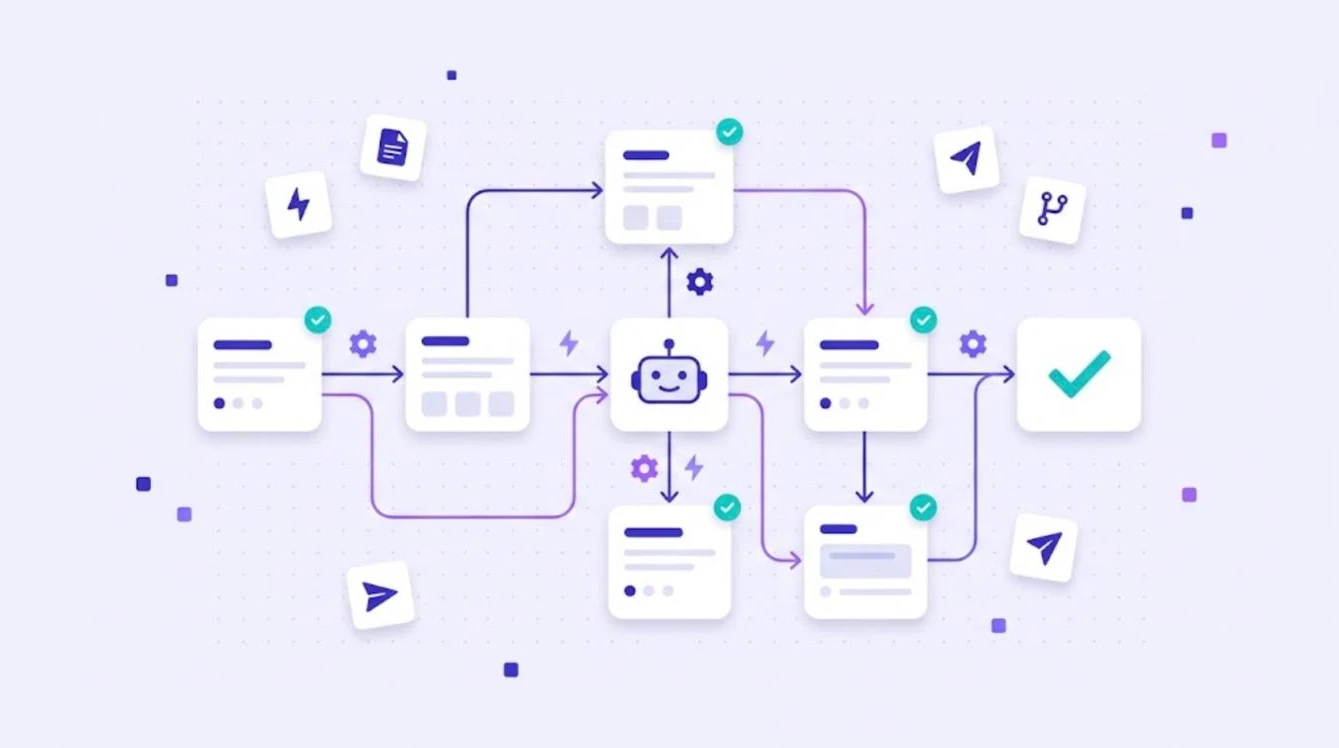
Translation workflow management software automates the steps that move content from source text to finished translation: importing files, applying translation memory, AI pre-translation, assigning linguists, review, QA and delivery. Instead of moving files by hand between people and tools, the software routes each task to the next step automatically. This guide explains what translation workflow software does, which workflows you can automate and how to set them up.
What a Translation Workflow Looks Like
Most translation workflows follow the same backbone: preparation, translation, revision, review and delivery, as described in the international standard ISO 17100. What changes from team to team is how much of this is manual. Without software, every handover is an email with an attachment. With workflow software, each step starts automatically when the previous one is finished.
What You Can Automate
| Step | Manual process | Automated with software |
|---|---|---|
| Intake | Files sent by email | Files imported from repositories, design tools or uploads |
| Analysis | Word counts in spreadsheets | Automatic analysis against translation memory |
| Pre-translation | Copy-paste into online translators | Translation memory and AI engines applied automatically |
| Assignment | Emails to linguists | Tasks assigned per language and role |
| QA | Manual spot checks | Automated checks on every segment |
| Delivery | Files sent back by email | Export or sync back to the source system |
Typical Workflows by Content Type
- Software strings: sync from the repository, AI pre-translation, review, push back. See continuous localization.
- Marketing content: translation by a professional, native review, SEO check.
- Documentation: translation memory and AI, light post-editing, QA.
- Regulated content: human translation, full revision, documented approval.
For a step-by-step view of the full process, read our guide to the localization workflow.
Benefits of Translation Workflow Software
- Speed: no waiting for someone to forward a file.
- Lower cost: translation memory reuse is applied every time.
- Consistency: every linguist and AI engine uses the same glossary.
- Visibility: managers see which step each language is in.
- Fewer errors: QA runs automatically before delivery.
How to Set Up Your First Automated Workflow
- Pick one content type with regular volume, such as UI strings or help articles.
- Clean and import your existing translation memory and glossary.
- Choose an AI engine per language pair and test the output.
- Define review levels and assign linguists.
- Turn on automated QA and set delivery rules.
- Measure turnaround and quality, then expand to other content.
Our article on translation automation covers more advanced scenarios.
Automate Translation Workflows With WordBeam
WordBeam combines workflow automation with a full translation management system: translation memory, term bases, AI engines including DeepL, GPT, Claude and Grok, a professional CAT editor and QA checks. On the Studio plan, GitHub, GitLab and Figma integrations and branching connect translation directly to development and design. Start a free 14-day trial with 10,000 words on WordBeam pricing.
Frequently Asked Questions
What is translation workflow management software?
It is software that organizes and automates the steps of translation, from file intake and pre-translation to review, QA and delivery.
Can the whole translation workflow be automated?
File handling, analysis, pre-translation, assignment and QA can be automated. Human translation and review are still needed for important content.
Is workflow software only for large companies?
No. Freelancers and small teams also save time by automating pre-translation, QA and file handling.